
History
Updated 8 September 2026
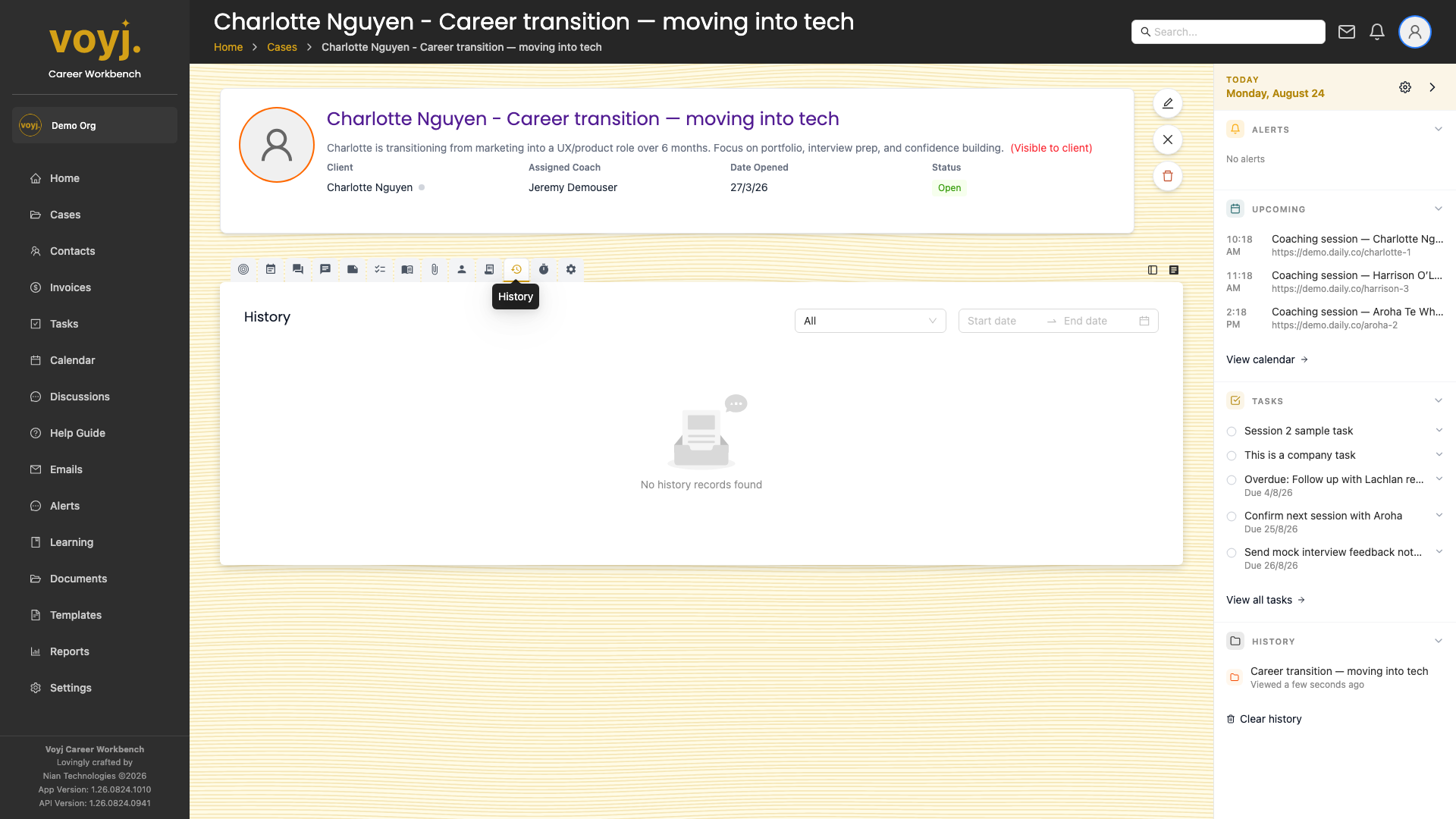
What you see on this tab
A chronological list of every change. Each row shows the action (Create, Update, Delete), the field that changed (for updates), the new value, the user who made the change and the timestamp. The list is paginated and sortable.
Filter the history
- Pick a date range to narrow the list.
- Use the action filter to show only creates, updates or deletes.
- Use the user filter to show changes by a specific coach.
Export history
- Click Export CSV in the top-right. Voyj generates a CSV with every change in the filtered view.