
Notes
Updated 8 September 2026
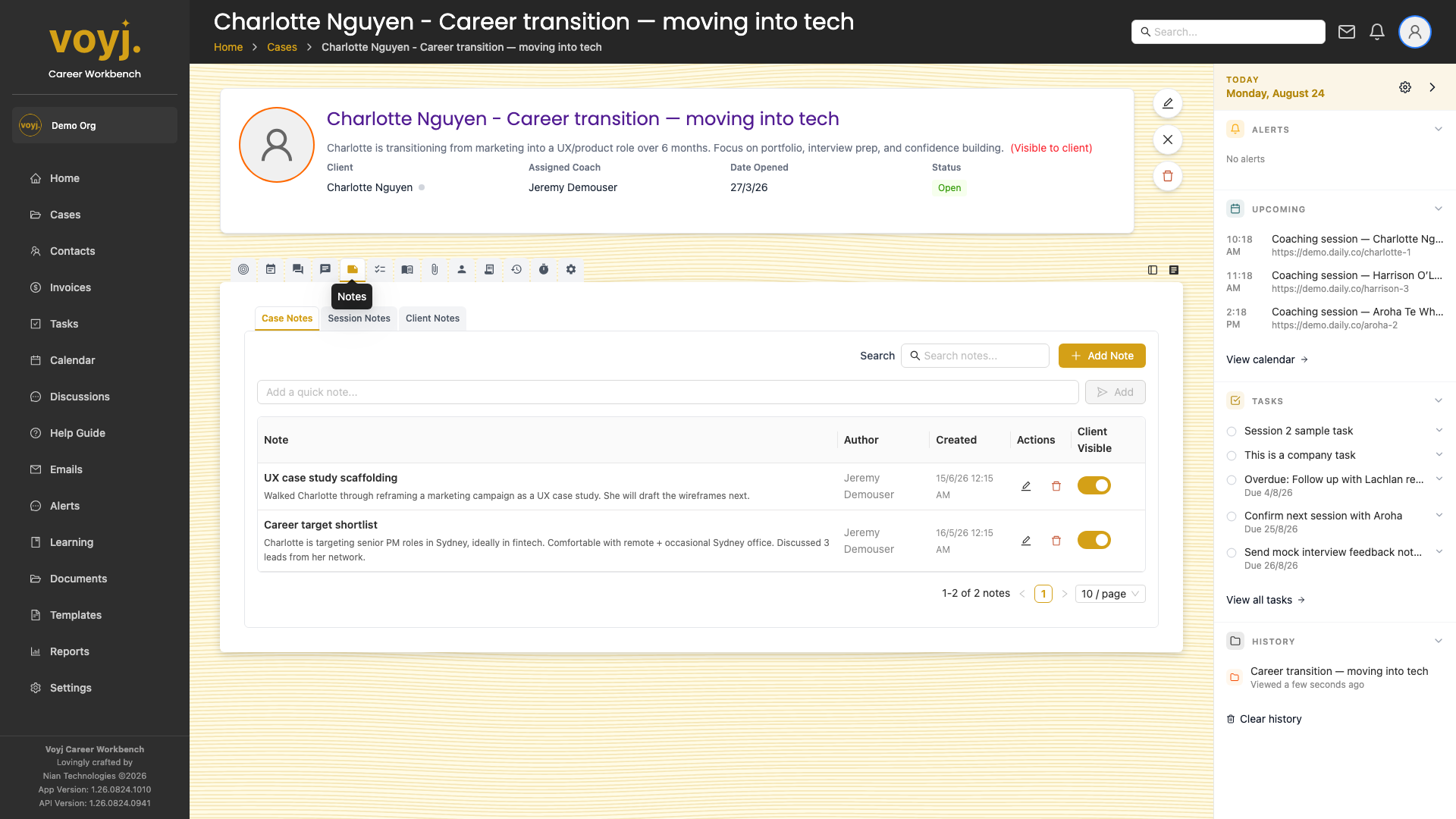
What you see on this tab
A list of notes, newest first. Each row shows the title, a one-line summary, the visibility (private or client-visible) and the timestamp. Click a row to expand the full note.
Add a new note
- Click + New note in the top-right.
- Type the title and the note body.
- Toggle Client visible on if you want the contact to see the note in their portal. Leave it off for private coach notes.
- Save. The note appears in the list.
Note field reference
- Title *
- Short summary of the note. Shown in lists and notifications.
- Body *
- The full note. Plain text or rich text.
- Client visible
- Off by default. When on, the contact sees the note in the client portal's case journal.
- Tags
- Free-form labels. Use them to filter the notes list.
Edit or delete a note
- Click the three-dot menu on the note row.
- Pick Edit or Delete. Deleting is permanent.