
Settings
Updated 8 September 2026
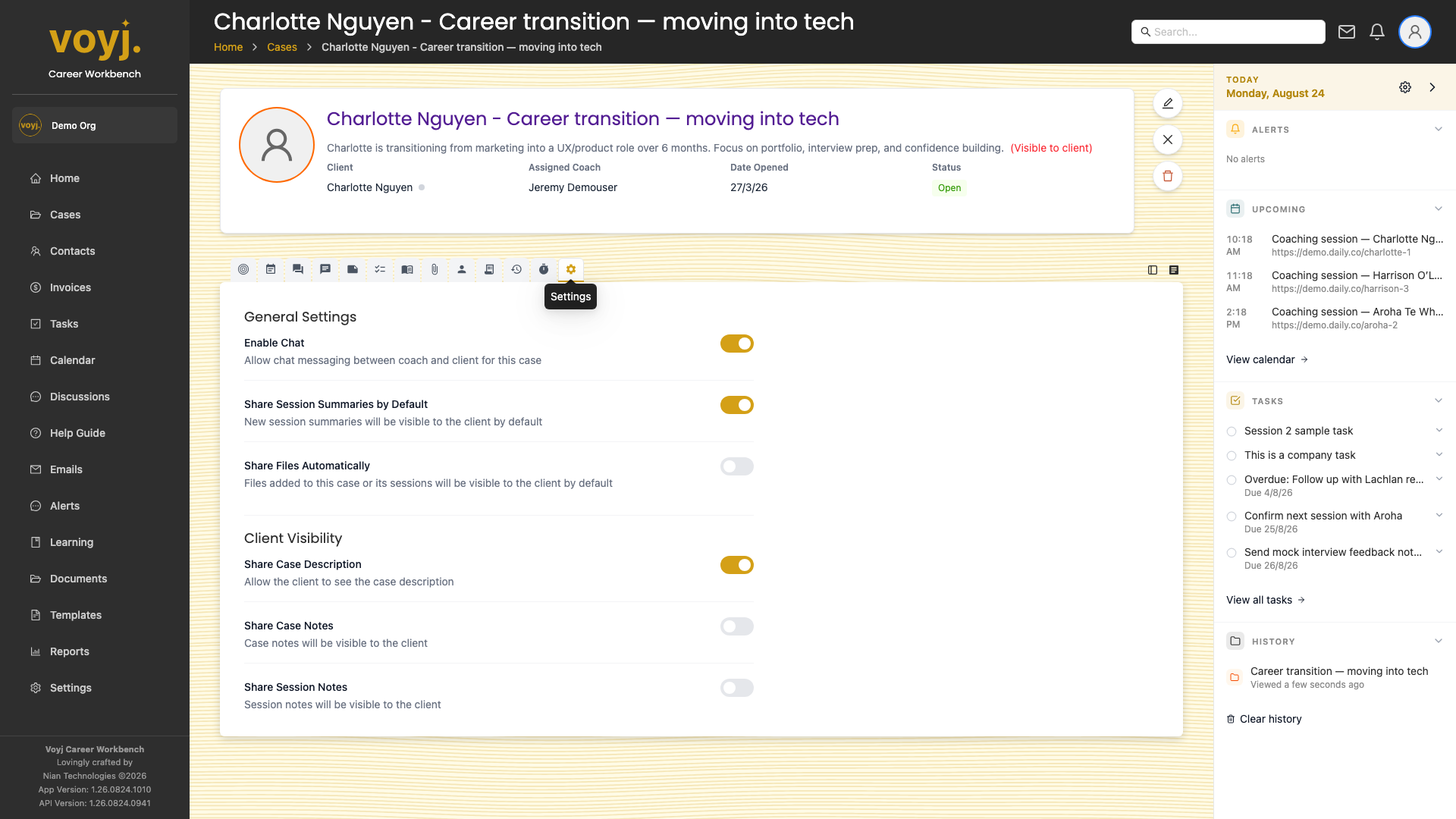
What you see on this tab
A form of case-level options: assigned coach, share defaults, bill-to, close reason and danger zone (delete, restore). Save each section independently.
Reassign the case
- In the Coach section, pick a new coach from the dropdown.
- Click Save. The new coach becomes the case owner and sees it on their dashboard.
Change the bill-to
- In the Billing section, pick the new bill-to target (contact or company).
- Pick the billing method: Per session or Per case.
- Click Save. Future invoices against this case use the new bill-to.
Set sharing defaults
- In the Sharing section, toggle the defaults: share description, share case summary, share files automatically, share notes automatically.
- Click Save. The new defaults apply to future uploads and notes; existing records keep their original setting.
Close the case
- Scroll to the Close case section.
- Pick a close reason from the list.
- Click Close case. The case moves to Closed; new sessions can no longer be scheduled against it. Use the same form to reopen.
Delete the case
- Scroll to the Danger zone.
- Click Delete case. The case moves to the Deleted filter. Admins can restore from the case list.