
Tasks
Updated 8 September 2026
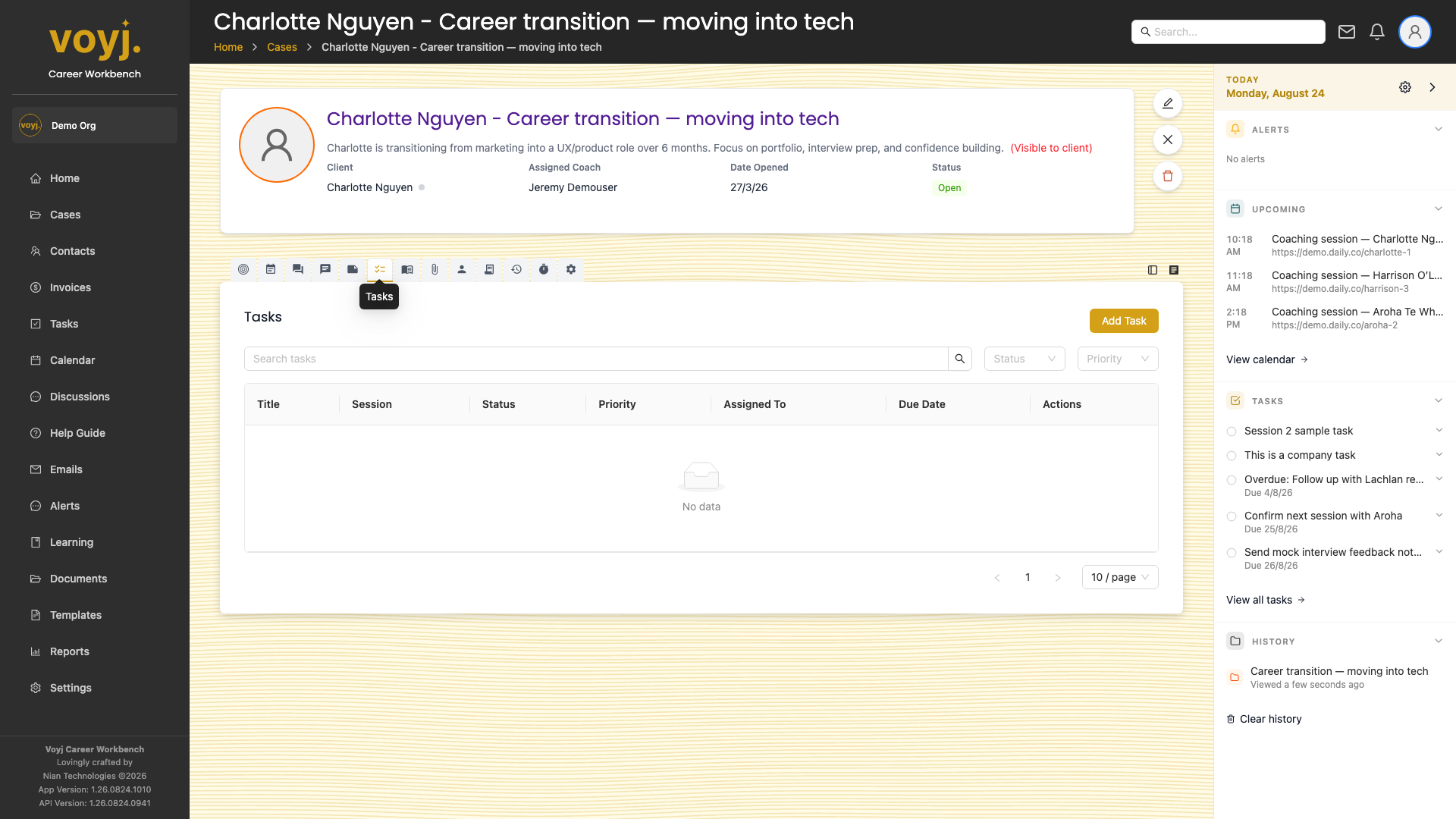
What you see on this tab
A table of tasks with columns for title, status, priority, due date and assignee. Click a task to open it; click the empty circle to mark it complete.
Add a task to the case
- Click + Add task in the top-right.
- Type the title and description.
- Pick a due date, priority and assignee.
- Save. The task appears in the case table and on the dashboard for the assignee.
Mark a task complete
- Click the empty circle next to a task title. The task moves to Done.
- Or open the task and use Mark complete.
Field reference
- Title *
- Verb-led description of the task.
- Due date
- When the task should be done. Overdue tasks are flagged red.
- Priority
- Low, Medium (default) or High.
- Status
- Todo, In progress or Done.
- Assigned to
- Coach, client or unassigned.