
Communications
Updated 8 September 2026
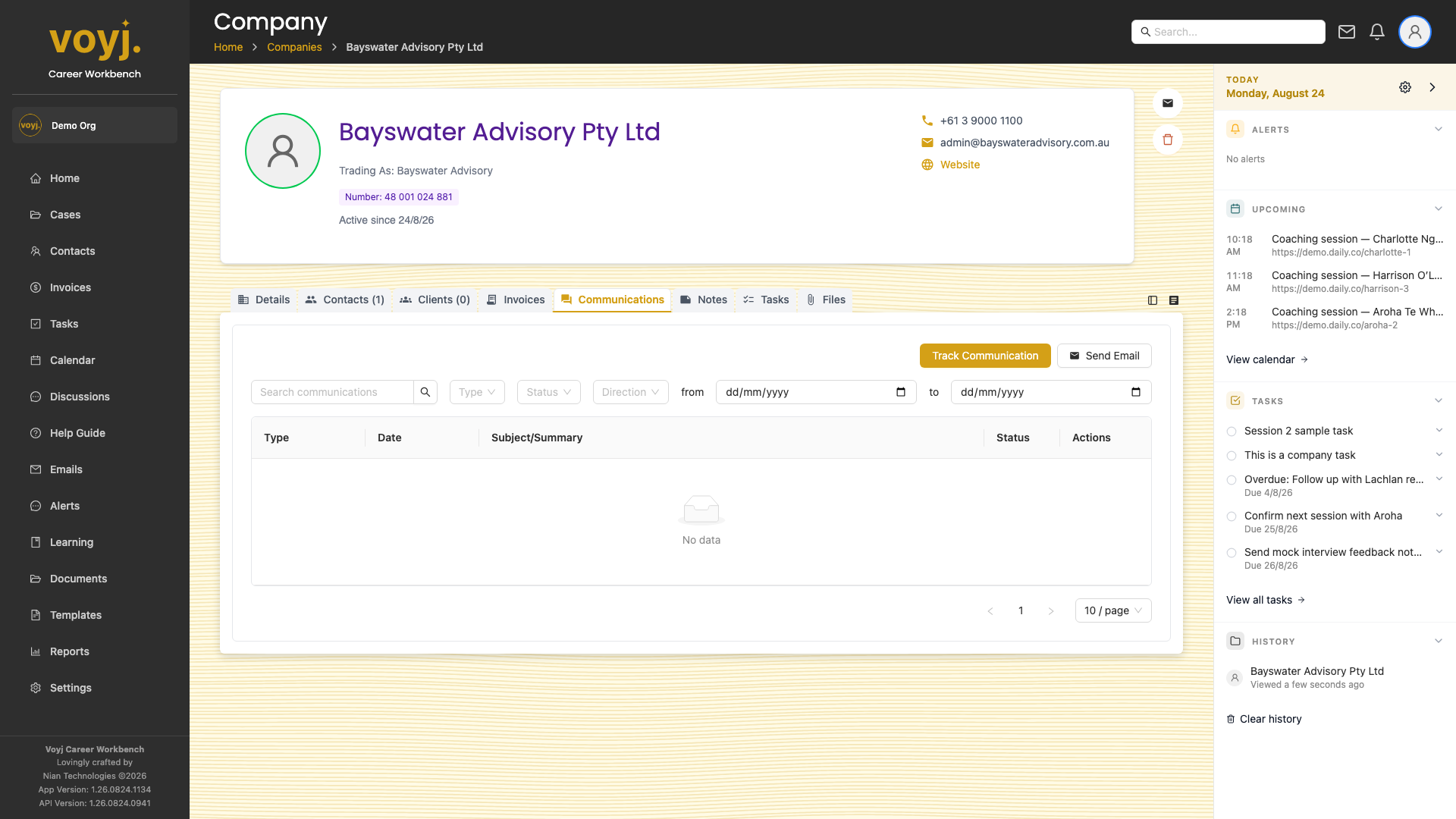
Filter
Use the type and date filters along the top to narrow the list. Click a row to expand the conversation.
Record a phone call
- Click Log call.
- Pick the contact you spoke with, the call direction and a short summary.
- Save. The call appears in the list and on the contact's Communications tab.