
Files
Updated 8 September 2026
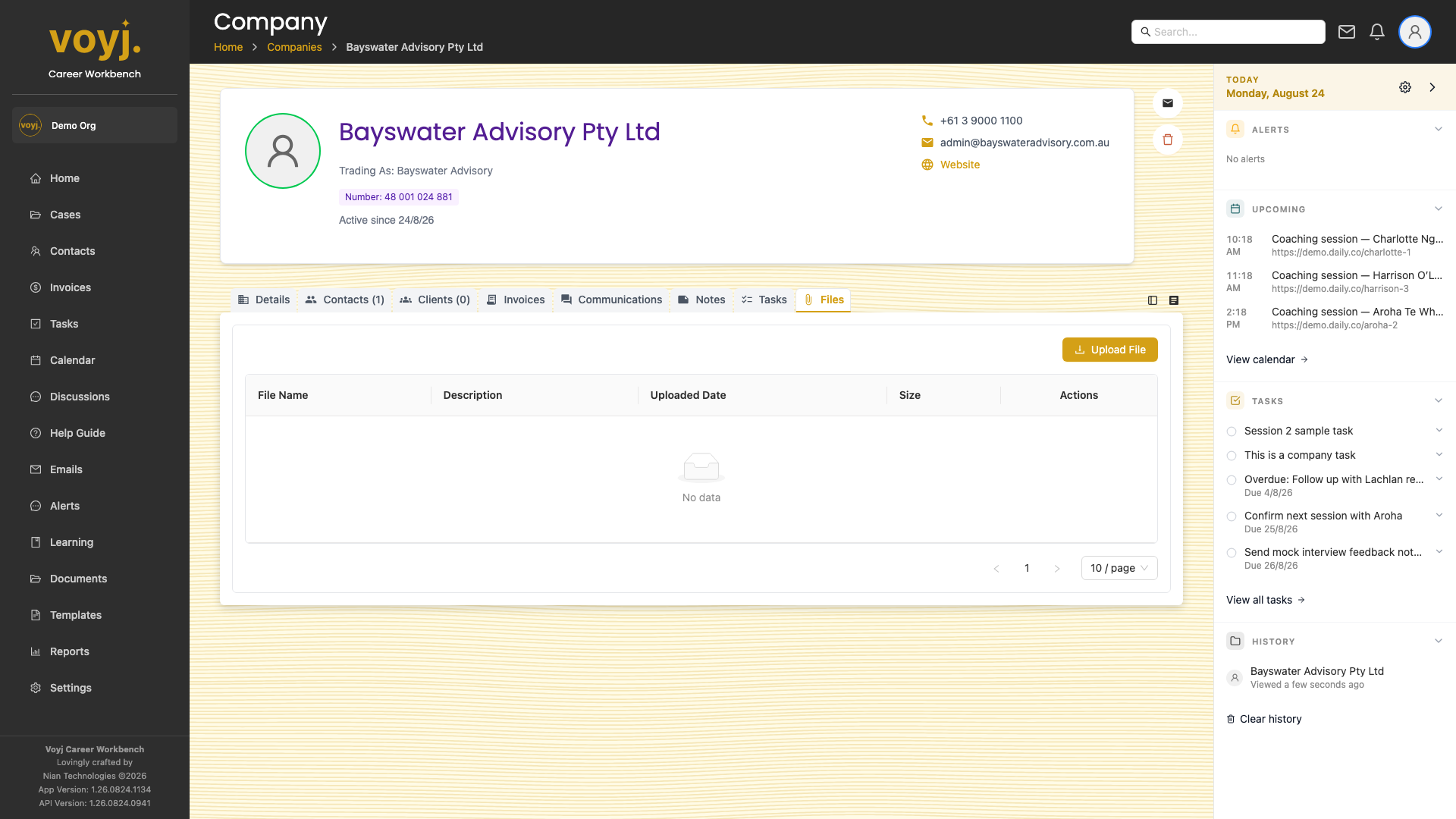
Upload a file
- Click Upload.
- Pick a file from your computer. The upload accepts PDFs, Office documents, images and video up to the size limit in Settings › Organisation › Backups.
- Save. The file appears in the list and is encrypted at rest.
Share with the client portal
Toggle Client visible on the file row to share it with everyone at the company who has portal access.