
Notes
Updated 8 September 2026
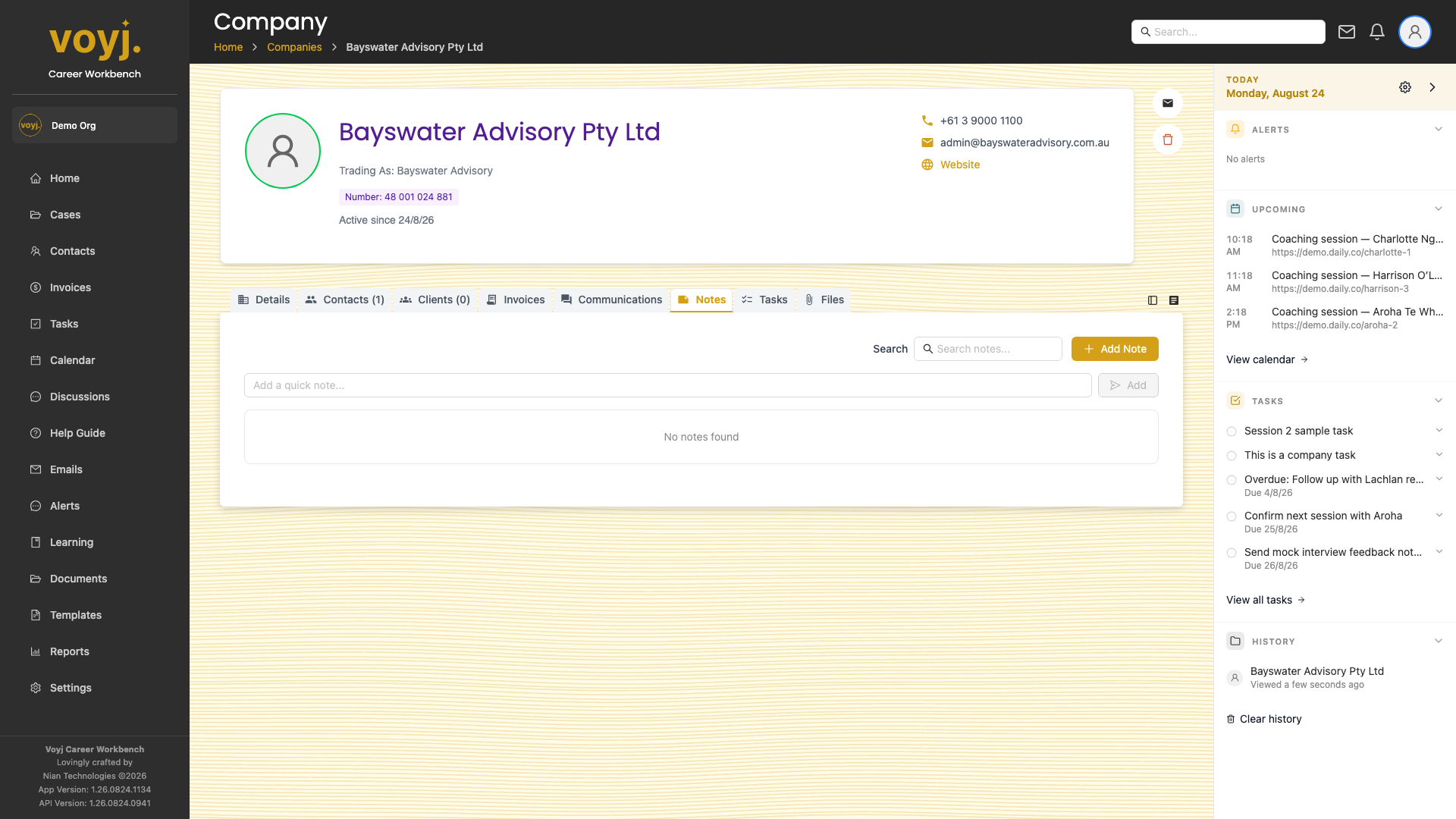
Add a note
- Click Add note.
- Write your note. Toggle Client visible if it should be visible to anyone at the company who logs into the client portal.
- Save.
Pin a note
Click the pin icon next to a note to keep it at the top of the list. Pinned notes are useful for account-level context (for example, the renewal date) that you want visible at a glance.