
AI Summary
Updated 8 September 2026
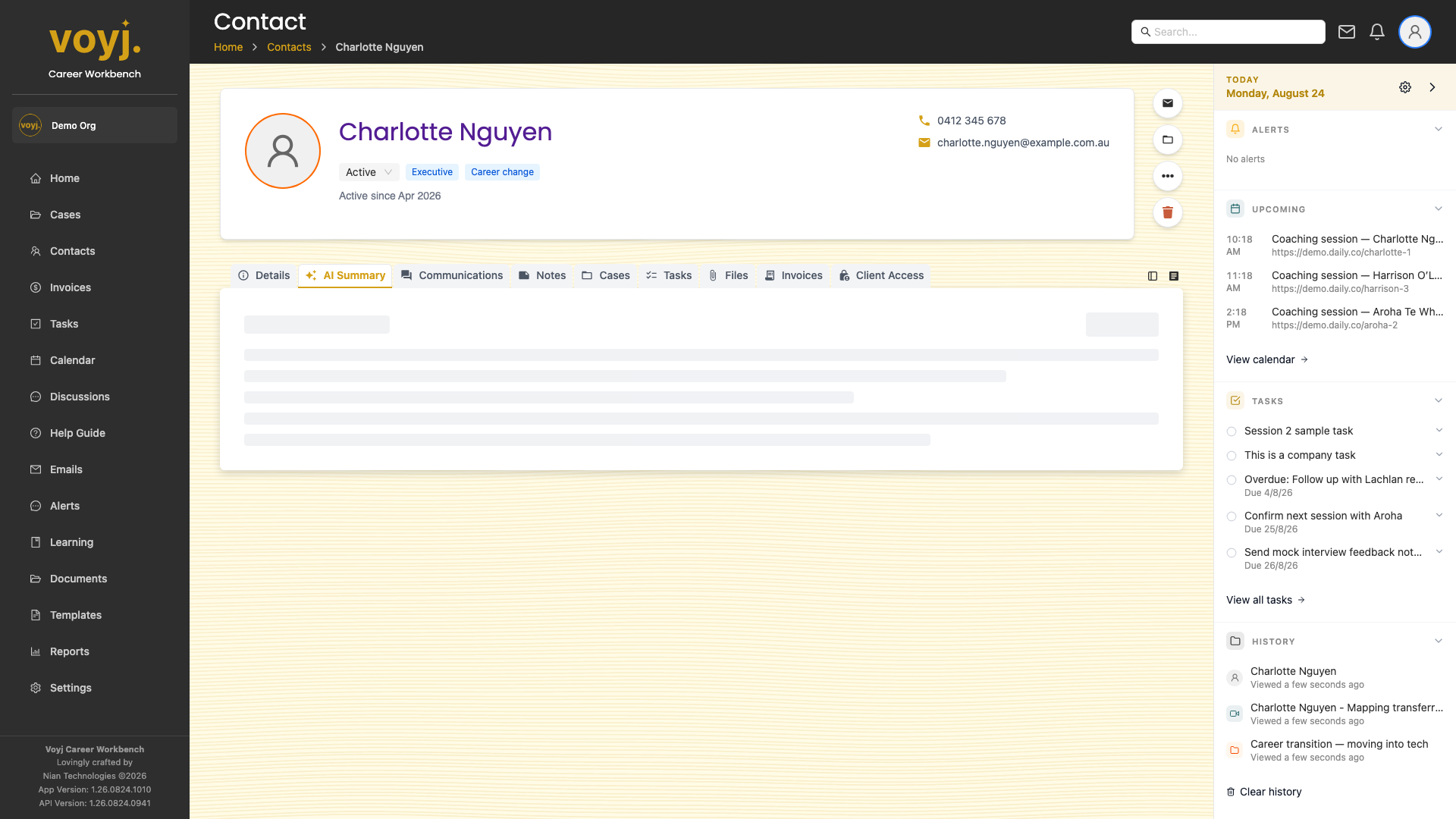
What you see on this tab
A generated summary at the top, broken into a short narrative and a list of activity points. The summary is cached and refreshed on a schedule; coaches can regenerate it on demand.
Regenerate the summary
- Click Regenerate in the top-right.
- Voyj queues a new summary job. It usually takes a few seconds; the page refreshes when ready.
Pin a summary version
- Click the pin icon next to a summary in the history list (if your admin has enabled version history).
- The pinned version becomes the default summary until you unpin it.
What data is used
- Sessions
- Recent completed sessions on any of the contact's cases. Used to identify themes and progress.
- Notes
- Case and session notes. The summary honours the client-visible flag — private notes are not exposed.
- Communications
- Recent emails, calls and texts. Used to identify engagement level and tone.
- Goals
- Current and completed goals. Used to surface what's been achieved and what's outstanding.