
Communications
Updated 8 September 2026
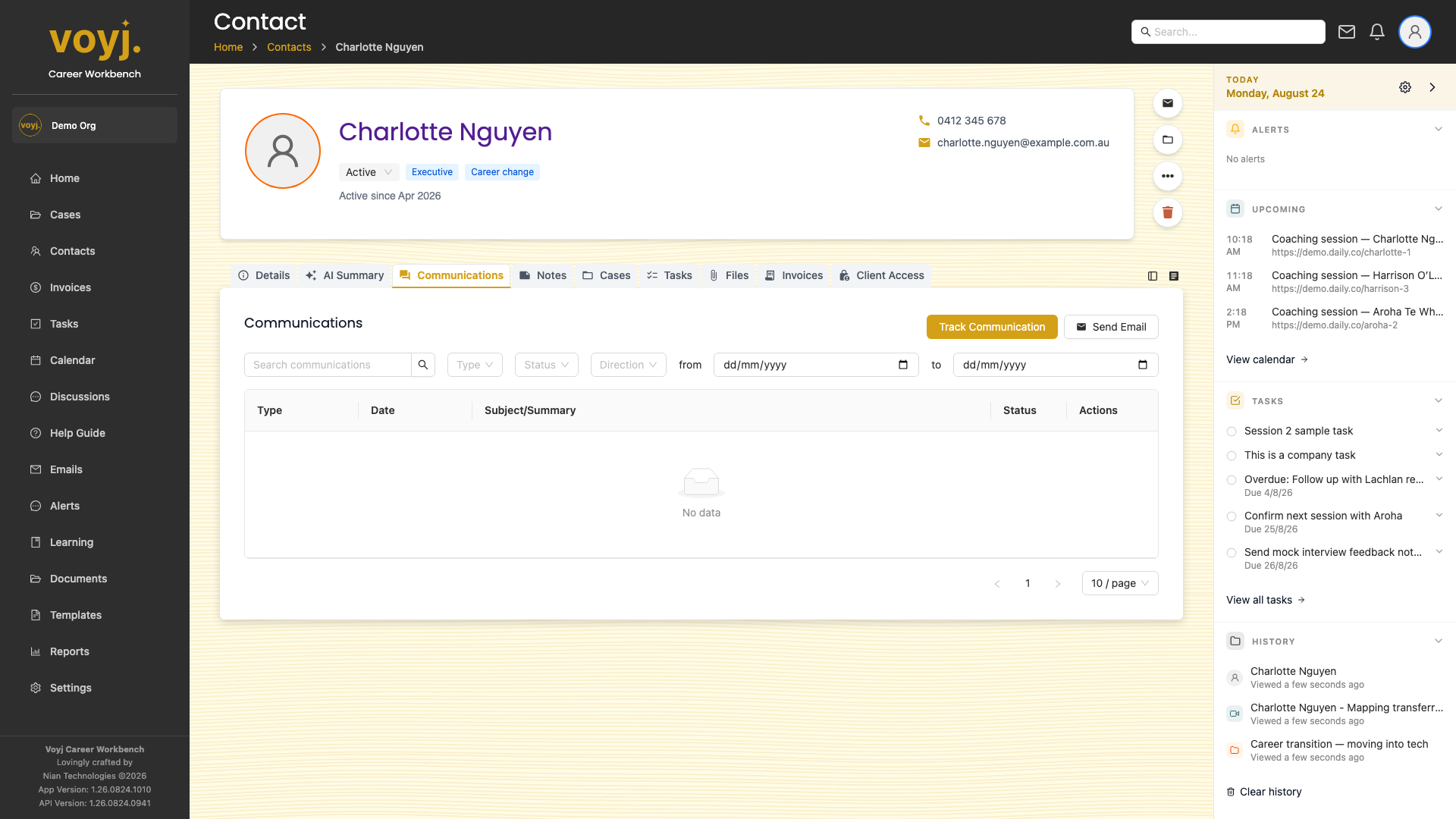
What you see on this tab
One row per communication, with type, direction, subject or summary, status, timestamp and links to the linked case or session.
Filter the list
- Use the type filter chips to show only Email, Call or Text.
- Use the direction filter to show only Inbound or Outbound.
- Click the date range picker to narrow to a specific period.
Start a new email
- Click + Compose in the top-right.
- The composer opens with this contact pre-filled as the recipient.
- Write the email and send.
Log a call or text
- Click + Log communication.
- Pick the type: Call or Text.
- Type a short summary of the conversation.
- Save. The row appears at the top of the list.