
Files
Updated 8 September 2026
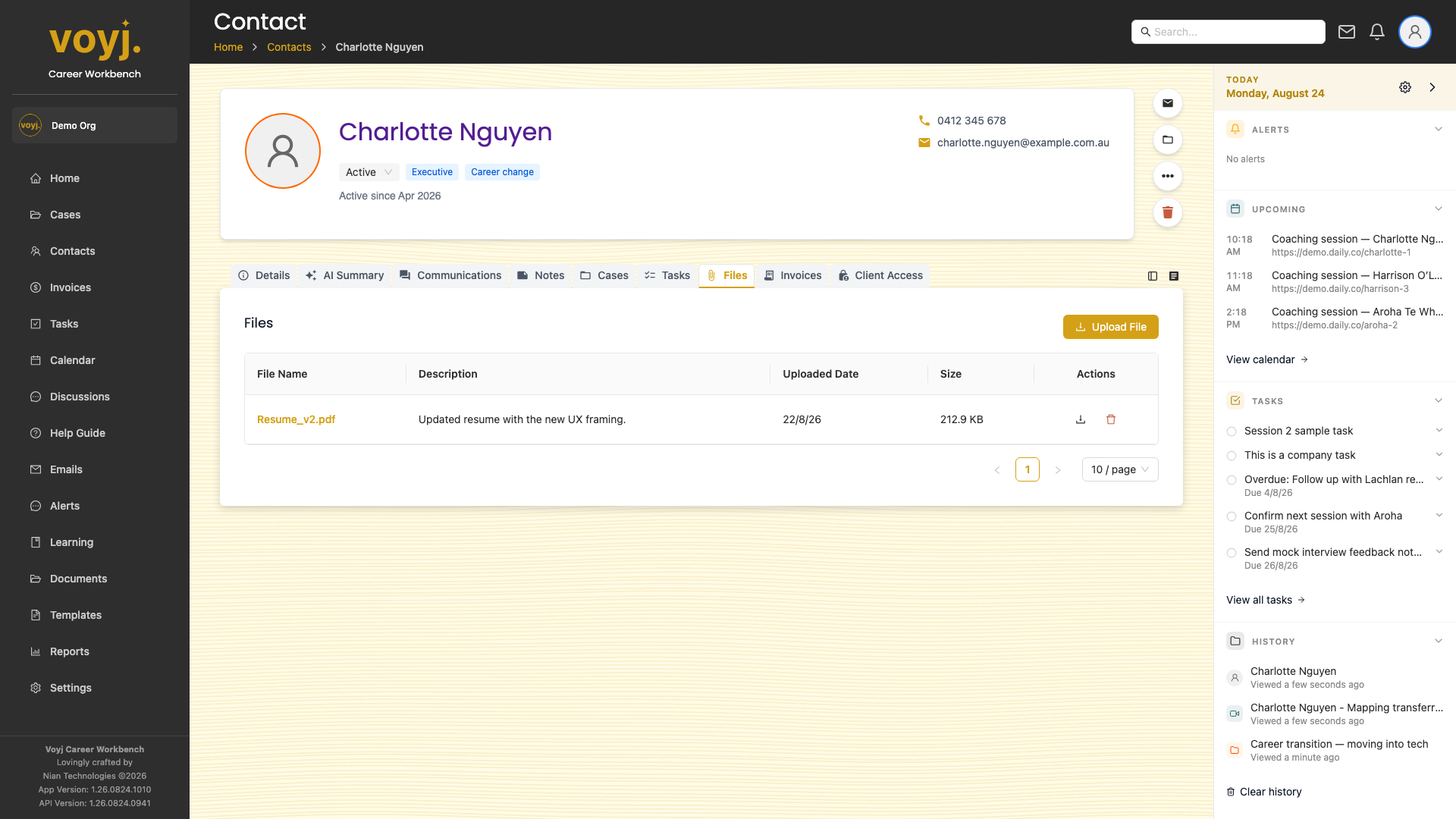
What you see on this tab
A grid of file cards. Each card shows a thumbnail, the file name, size, uploader and upload date. Click a card to preview or download.
Upload a file
- Click + Upload in the top-right.
- Drag and drop files into the upload zone, or click Browse.
- Wait for the upload to complete. The file appears in the grid.
Share with the contact
- Click the three-dot menu on the file card.
- Pick Share with contact. The file becomes visible in the contact's portal.
Field reference
- Name
- Display name. Renamed on upload if it collides.
- Size
- File size. Voyj caps uploads at 100 MB per file.
- Uploaded by
- The coach or client who uploaded.
- Tags
- Free-form labels.