
Credit Notes
Updated 8 September 2026
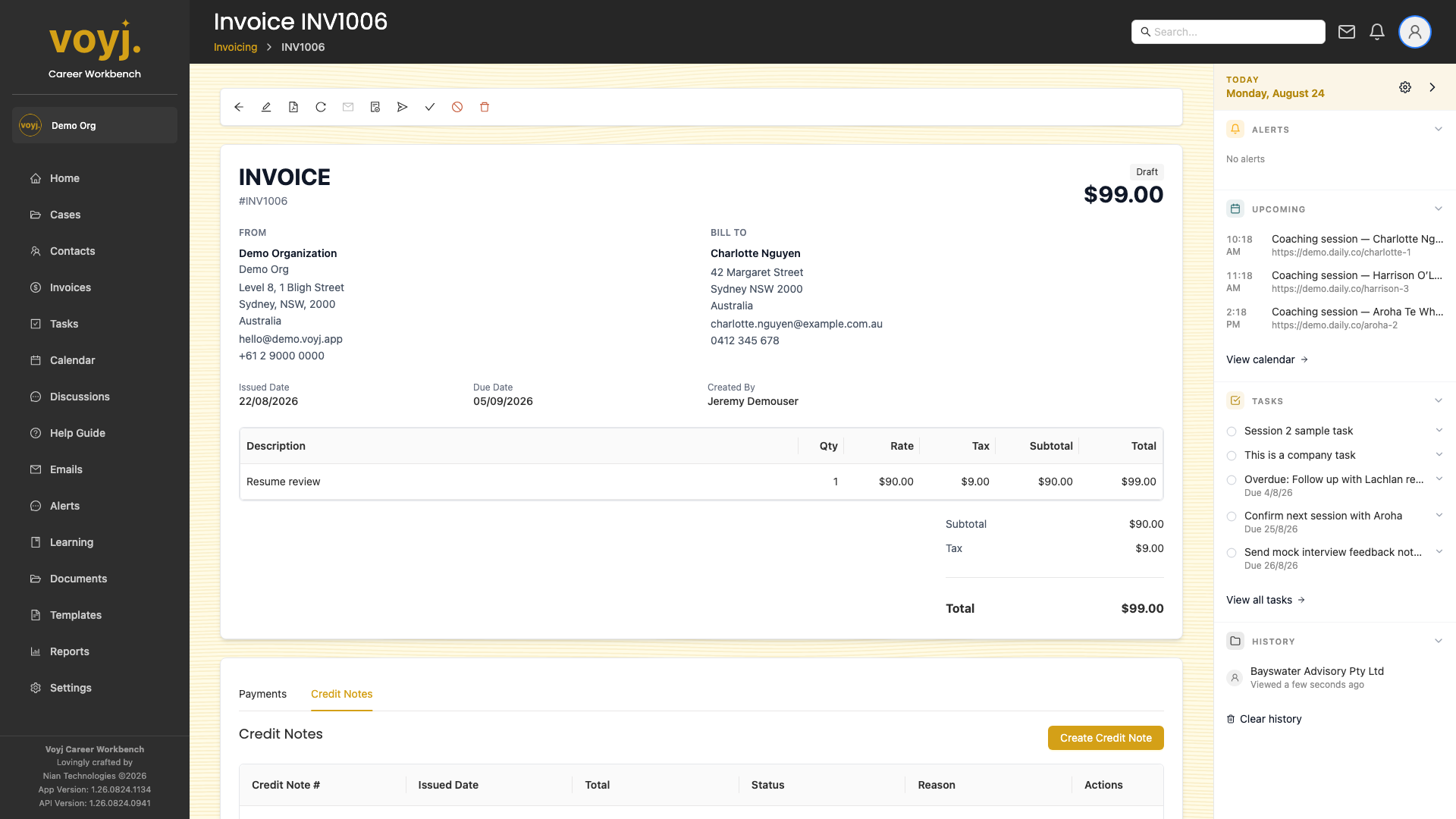
Create a credit note
- Click New credit note.
- Pick the line items (or amount) to credit. Add a reason and an optional internal note.
- Save. The credit note is recorded against the invoice and reduces the balance.
Apply a credit to another invoice
- Open the credit note.
- Click Apply to invoice. Pick the target invoice.
- Save. The credit is moved across and the target invoice balance drops.