
Payments
Updated 8 September 2026
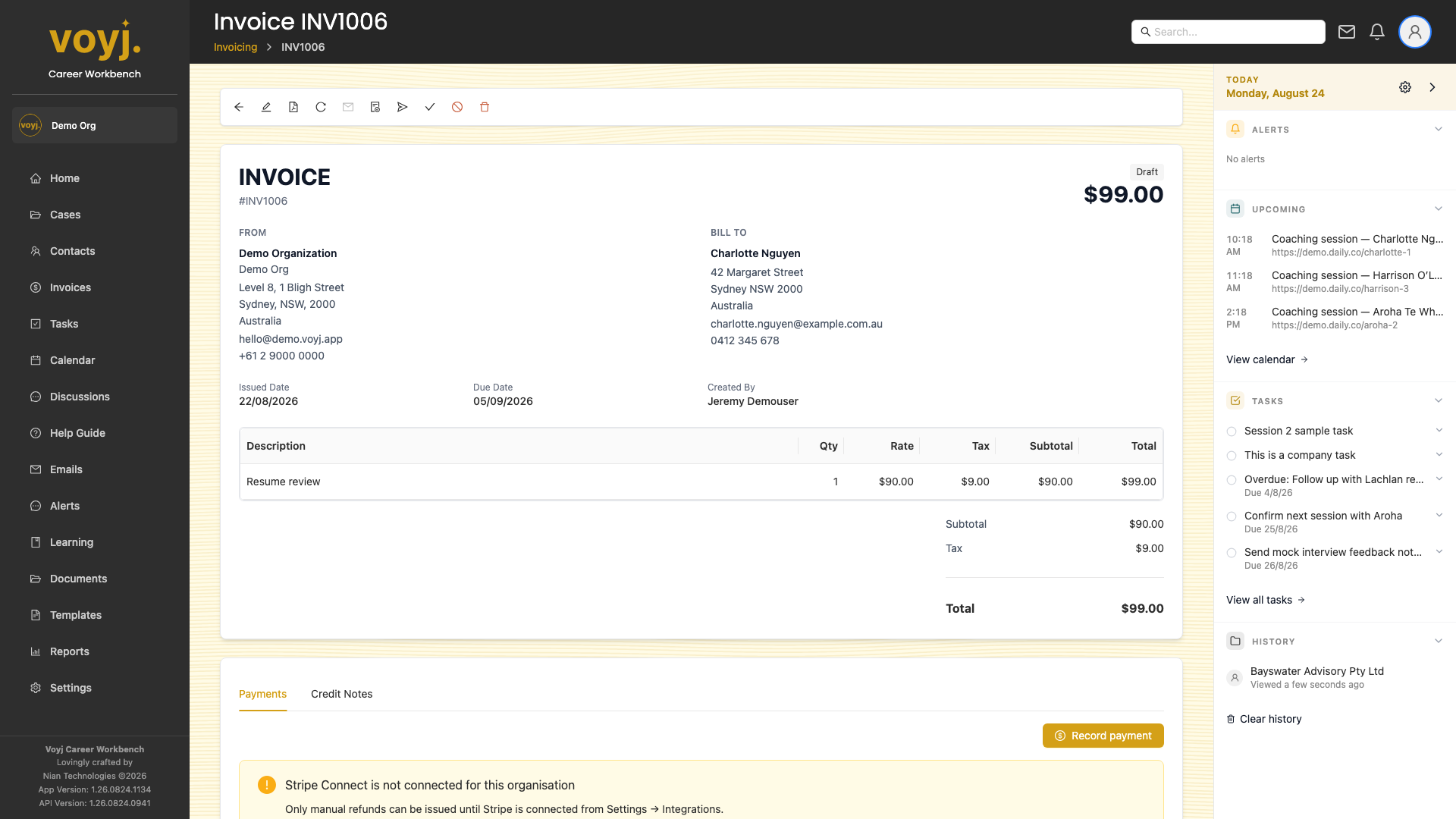
Record a payment
- Click Record payment.
- Pick the date the payment hit your account, the amount, the method (Bank transfer, Card, Cash, Cheque, Other) and any reference.
- Save. The invoice status moves to Paid (or Part paid if the amount is less than the total).
Refund a payment
- Open the payment row.
- Click Refund. The refund is recorded as a credit note on the invoice.
Stripe payments
If your organisation is connected to Stripe, card payments appear in this tab automatically with the Stripe payment intent ID. Manual reconciliation is not needed.