
Courses
Updated 8 September 2026
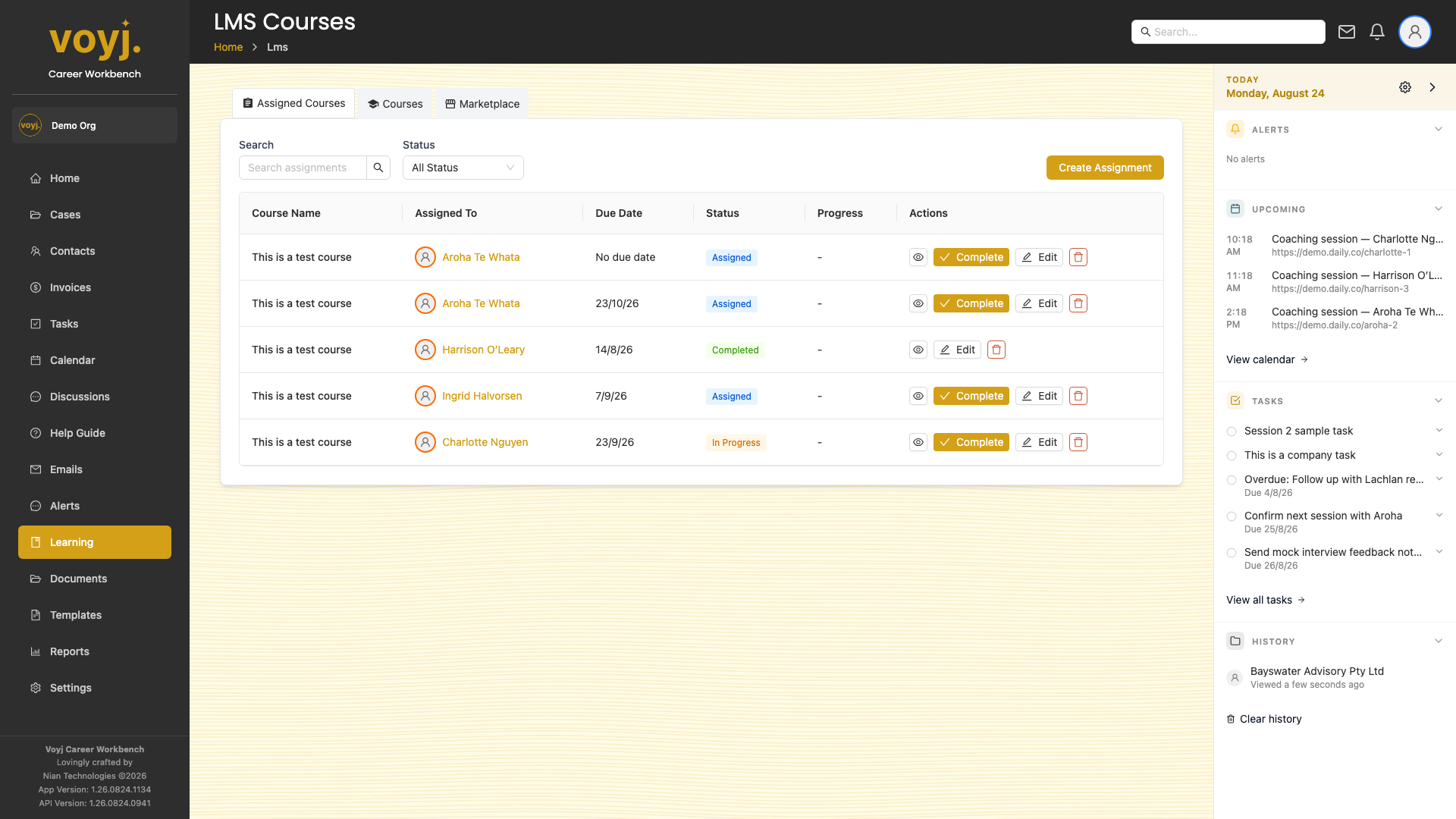
Create a course
- Click Create Course.
- Give the course a name and description.
- Add modules. Each module can be a video, PDF, quiz or link.
- Save. The course appears in the list and in the Marketplace for you to assign.
Import a course
Click Import Course to upload a Voyj course package (a zip file containing the manifest, modules and assets).
Per-row actions
- Edit
- Open the course in the composer.
- Preview
- See the course as a learner would.
- Duplicate
- Make a copy you can edit without affecting the original.
- Assign
- Assign the course to a client or case.
- Download
- Export the course as a Voyj package.
- Delete
- Remove the course. Active assignments block deletion.