
Reports
Updated 8 September 2026
Open Reports
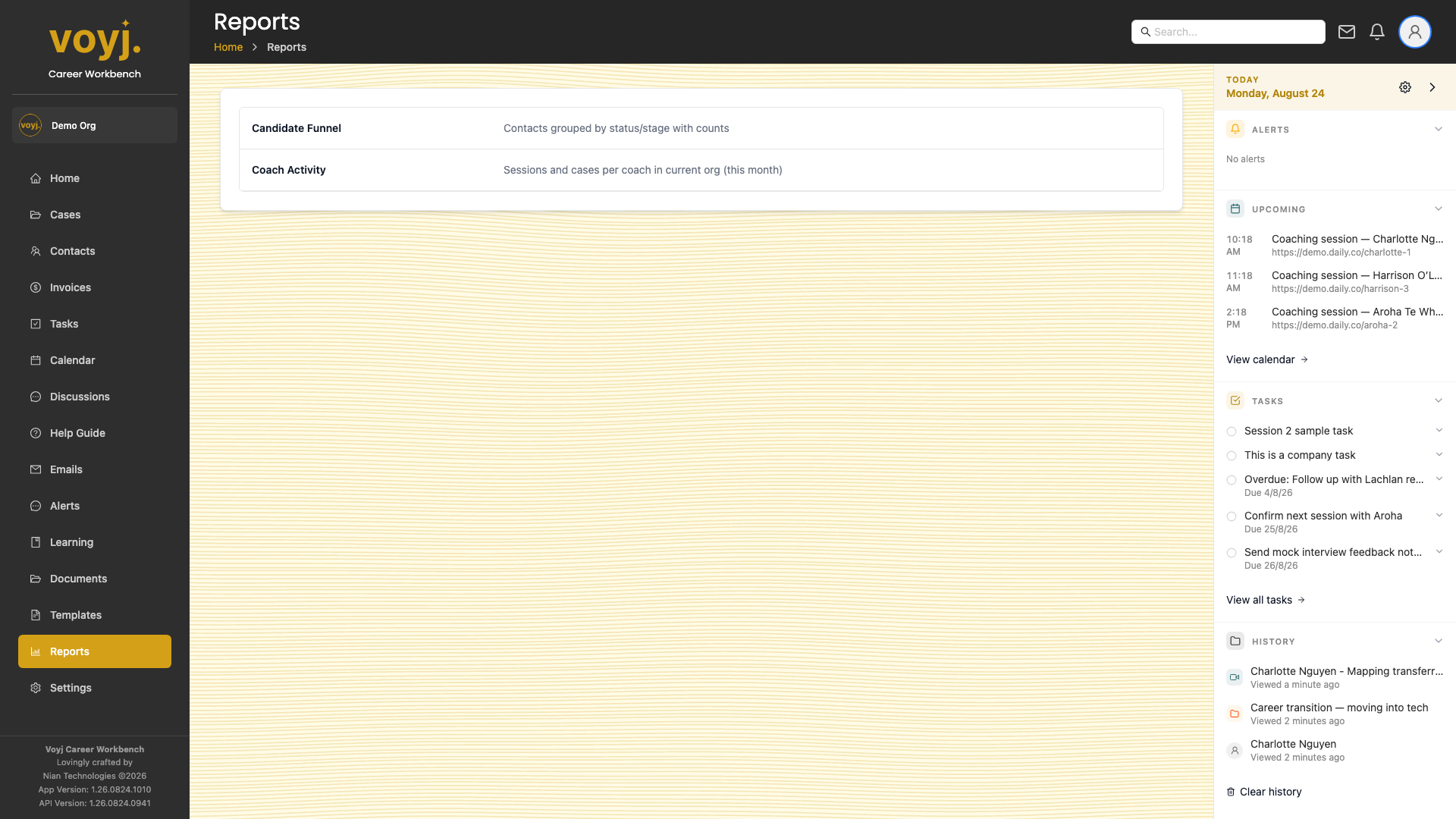
- Click Reports in the sidebar. The default report is the current month's session activity.
- Switch reports in the left panel. Voyj ships with several pre-built reports.
Change the date range
- Pick a preset — This month, Last month, Last 3 months, Last 12 months — from the dropdown.
- Or click the date picker and pick a custom range.
Filter by coach
- Open the Coach dropdown.
- Tick the coaches you want included. Tick Include unassigned if relevant.
Include records without a case
- Toggle Include no cases in the toolbar. This adds records that have not been linked to a case to the totals.
Export
- Click Download in the top-right. Voyj generates a PDF copy of the report.
- Click Print to send the current view to your printer. Voyj formats the report for A4 and Letter paper sizes.
Report types
- Session activity
- Number of sessions, total duration, average duration, breakdown by status (completed, cancelled, no-show).
- Revenue
- Total invoiced, total paid, total outstanding, breakdown by service.
- Coach utilisation
- Billable hours per coach, utilisation rate against a target.
- Contact pipeline
- Number of contacts per stage, conversion rate stage-to-stage, time-in-stage average.
- Task completion
- Tasks created vs tasks completed, overdue rate, average age of open tasks.