
Client
Updated 8 September 2026
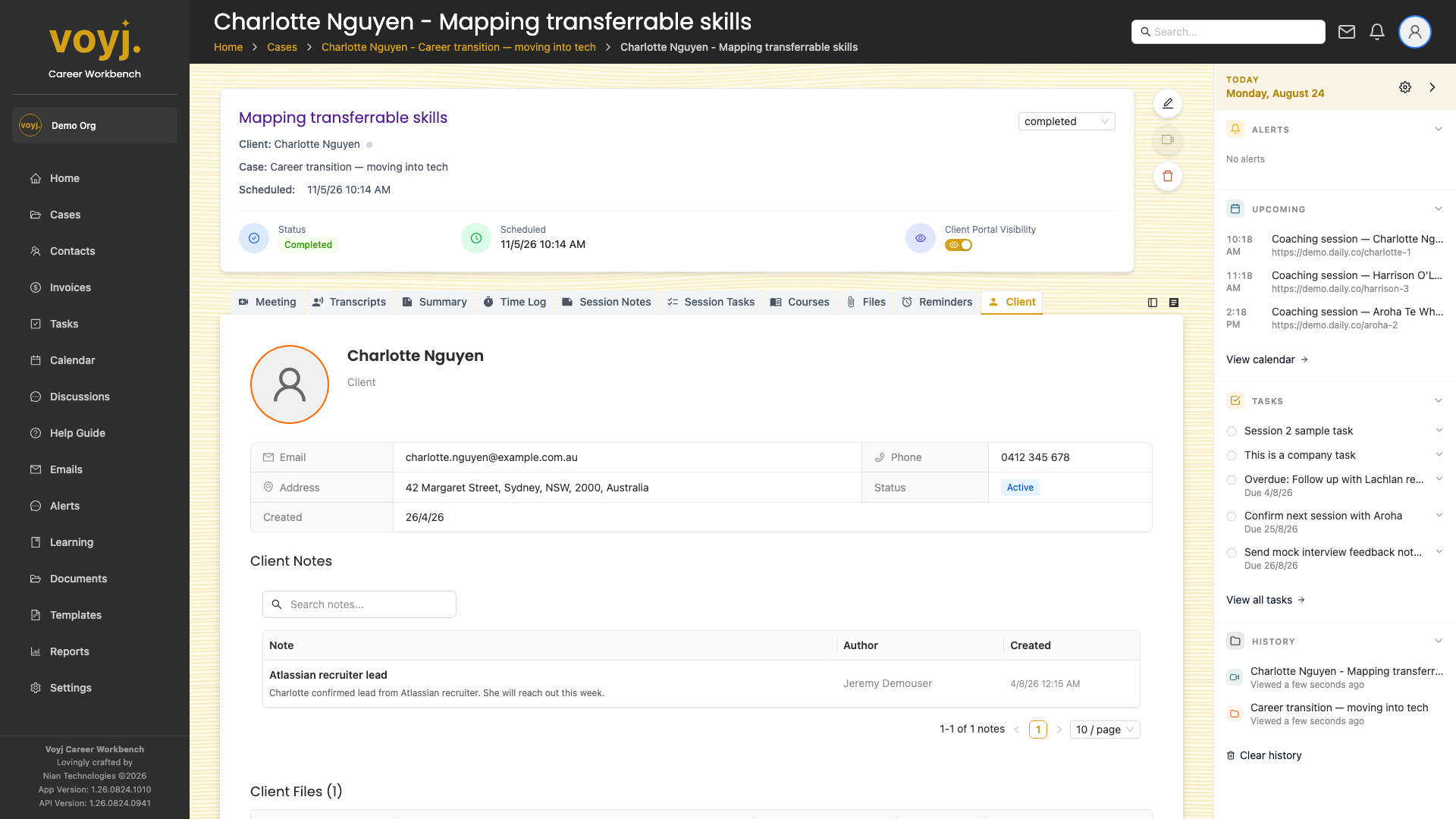
What you see on this tab
The contact's name, email, phone, address, pipeline stage, source and tags, with quick links to the full contact record and to start an email, call or text.
Open the full contact record
- Click the contact's name at the top of the tab. The full contact page opens.
- Return to the session when you are done.
Check client access
- Look for the Portal access panel. It shows whether the contact has signed in, when they last signed in, and which cases they can see.
- Click Manage access to open the contact's Client Access tab.