
Courses
Updated 8 September 2026
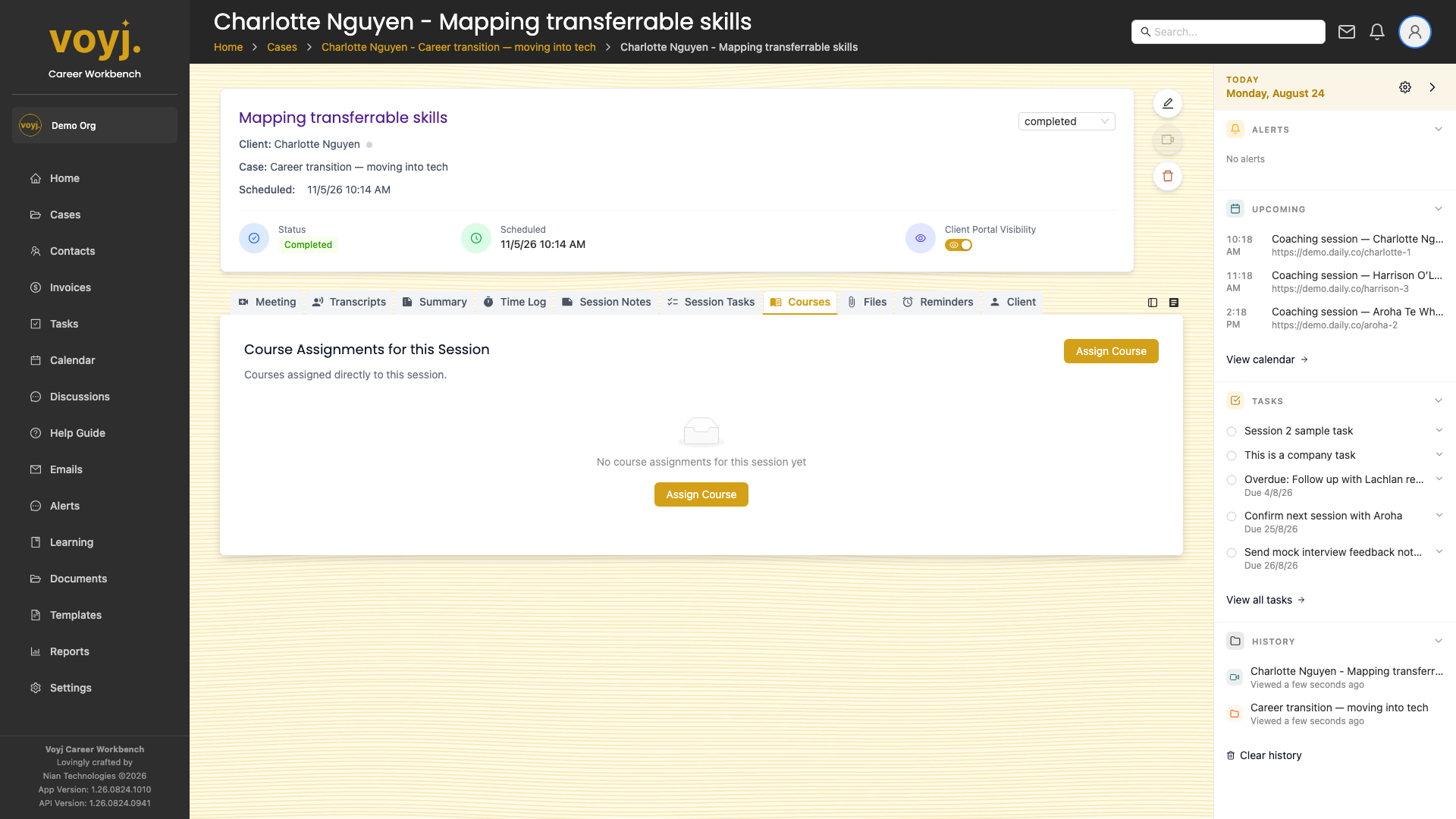
What you see on this tab
One row per course interaction during the session: course launches, component completions, and review-of-results actions. Each row links to the underlying course or component.
Launch a course during the session
- Click Launch course in the top-right.
- Pick a course from your library.
- The course opens in a popover so the client can complete the activities on the shared screen. Progress is saved against the contact.
Open the client's responses
- Click the Responses button on the row.
- The coach results player opens with every component response from the client, with timestamps.