
Meeting
Updated 8 September 2026
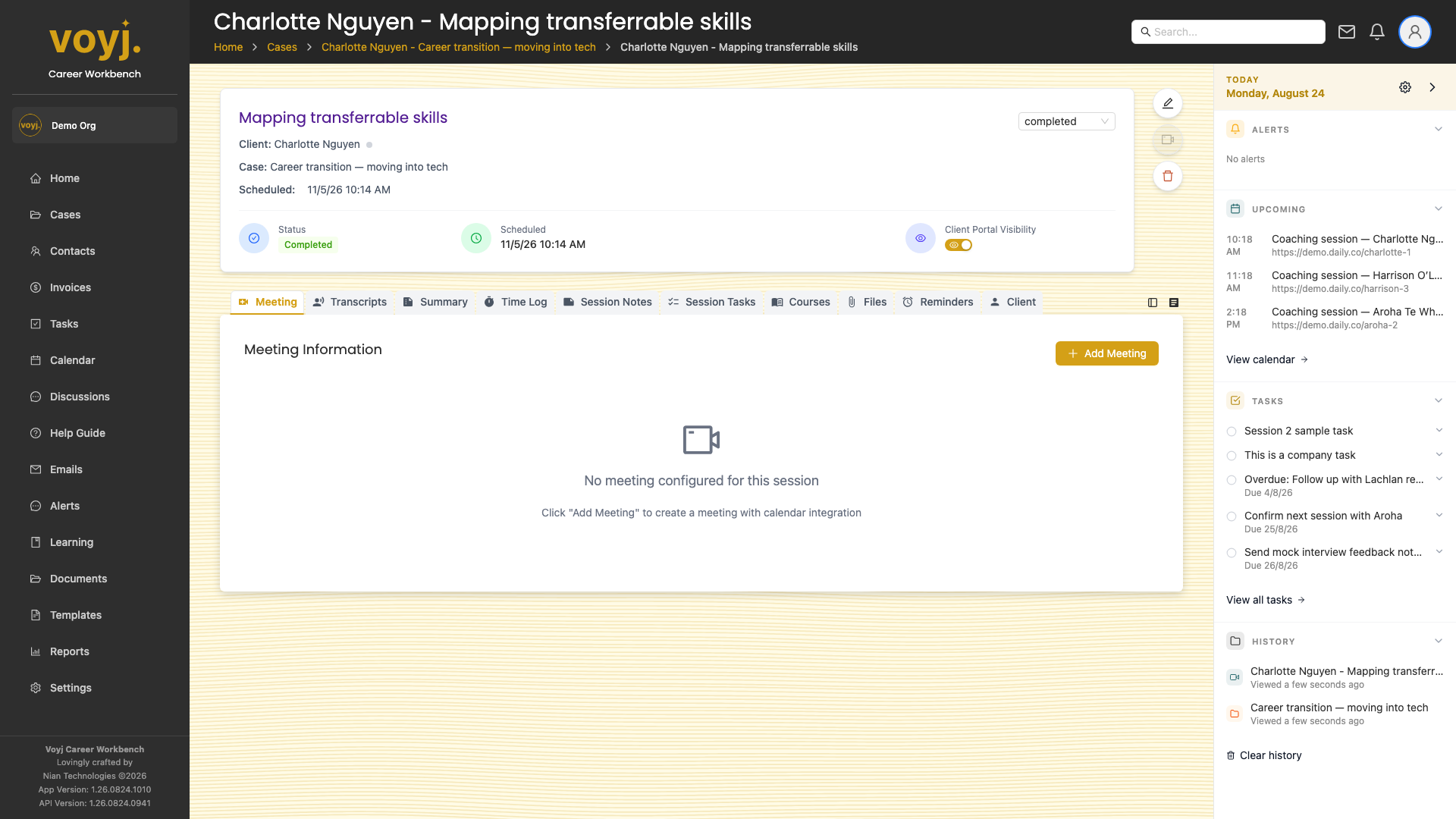
What you see on this tab
The meeting area changes depending on the session state:
- Scheduled: meeting details, join button, countdown to the start.
- In progress: live timer, end button, participant list.
- Completed: recording link, transcript, coach and client summaries.
Join an online session
- Click Join meeting. The in-app meeting room opens in a new tab.
- Allow camera and microphone when the browser prompts.
- Use the toolbar to mute, toggle camera, open chat and leave.
Start and end the session
- When the session starts, click Start. The meeting timer begins and the client can join.
- When the session ends, click End. The session moves to Completed and a transcript is queued for generation.
Start and stop recording
- Click the record button in the meeting toolbar. Voyj starts a cloud recording and saves it to the session.
- Click the record button again to stop. The recording appears in the Files tab once processing is complete.