
Reminders
Updated 8 September 2026
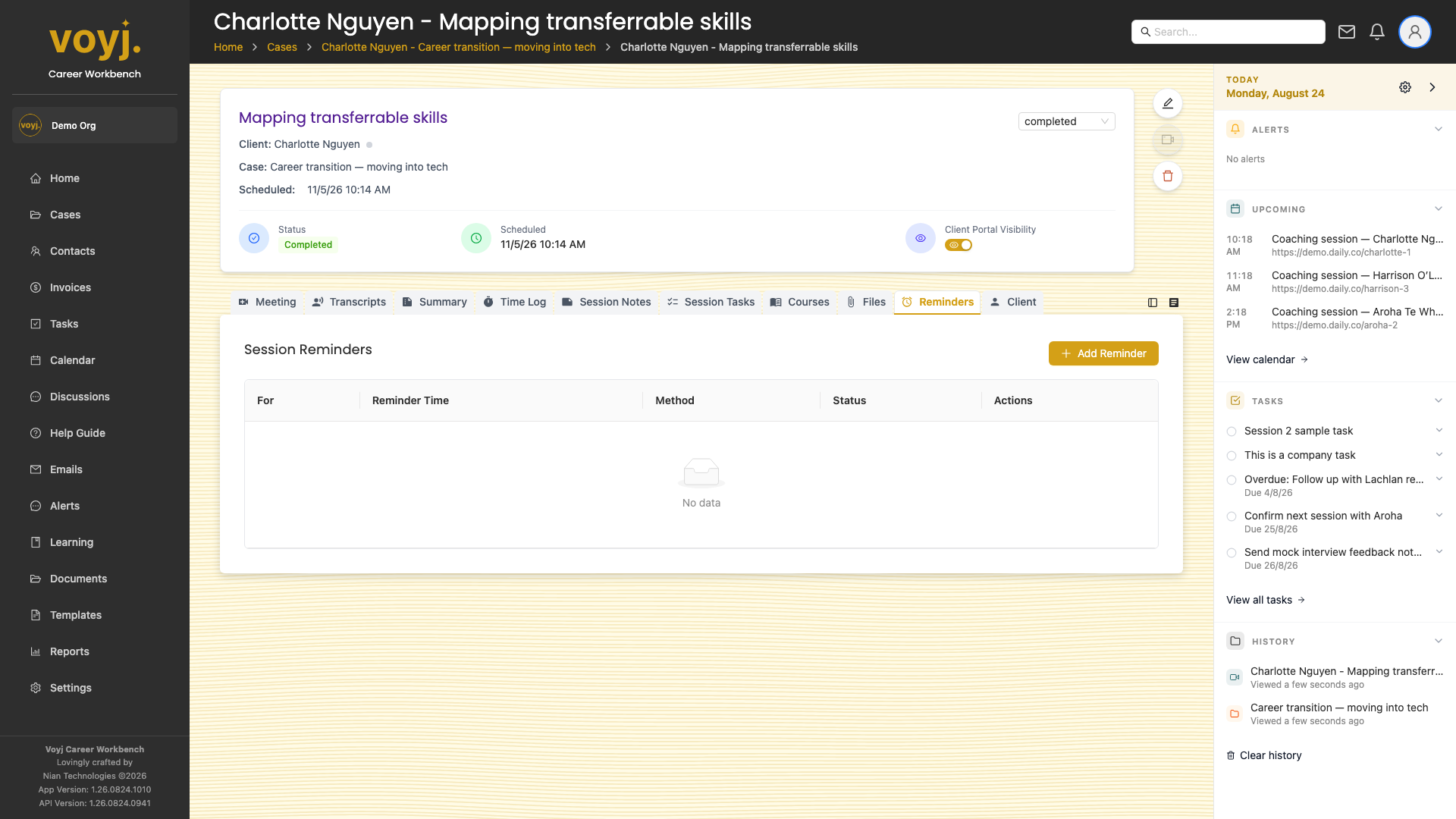
What you see on this tab
A list of reminders. Each row shows when the reminder fires, the message, the channel (email or in-app) and whether it is on or off.
Add a reminder
- Click + New reminder.
- Pick when the reminder fires — for example, 24 hours before the session, or 1 hour after.
- Type the message. Use
{{contact.first_name}}for the recipient's name. - Pick the channel: Email, In-app or Both.
- Toggle Enabled on.
- Save. The reminder fires at the scheduled time.
Field reference
- When *
- Absolute date and time, or a relative offset (for example, 24 hours before the session).
- Message *
- The text of the reminder. Variables supported.
- Channel *
- Email, In-app alert or Both.
- Enabled
- Toggle to pause and resume without deleting the reminder.