
Summary
Updated 8 September 2026
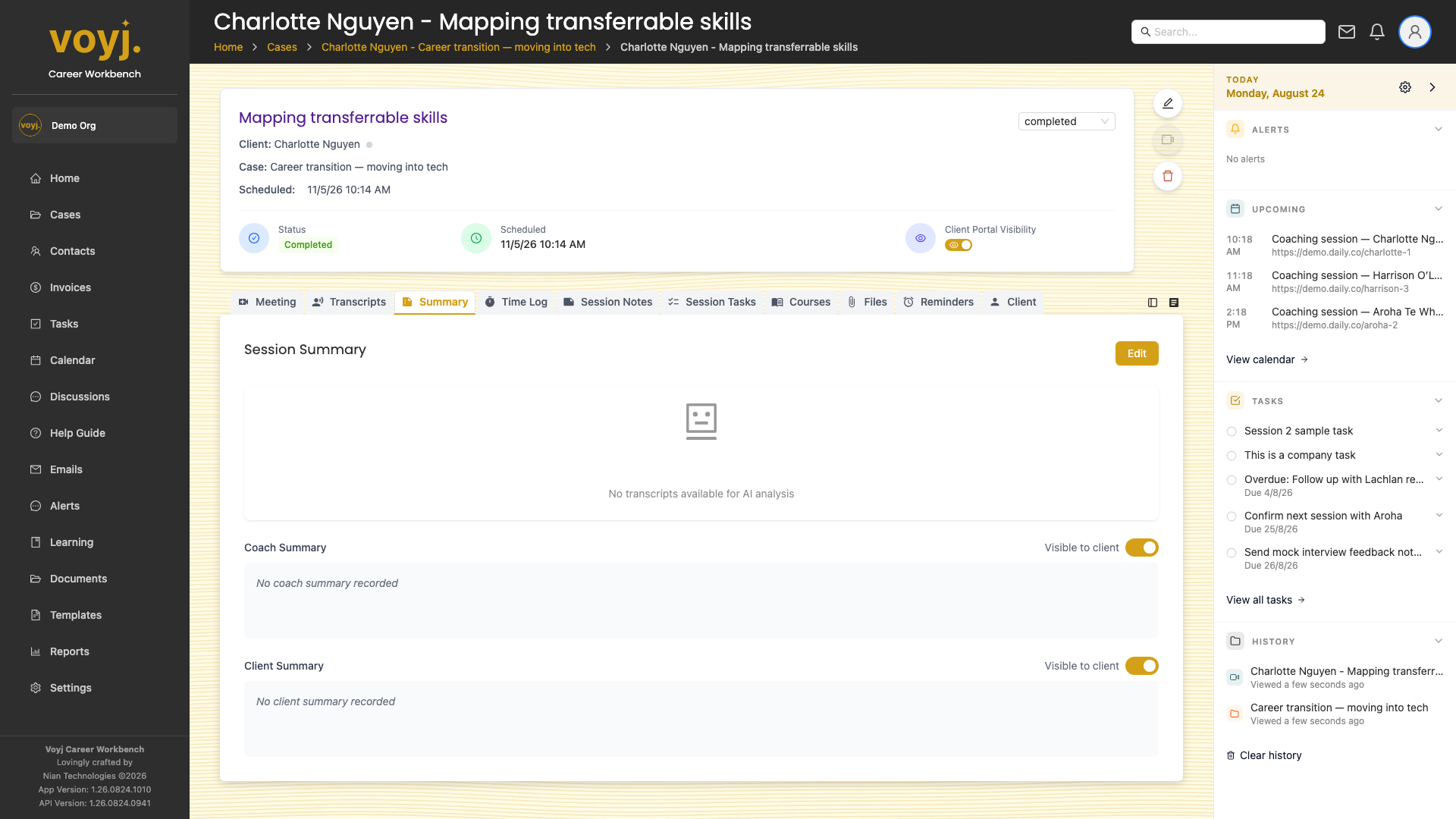
What you see on this tab
Two rich-text editors side by side: Coach summary on the left (private to you and other coaches on the case) and Client summary on the right (visible to the contact in the client portal).
Write a coach summary
- Click into the Coach summary editor.
- Type your private recap — what was covered, what worked, what to follow up on.
- Save. The summary is visible to other coaches on the case but not to the contact.
Write a client summary
- Click into the Client summary editor.
- Type the version the contact should see — shorter, free of internal jargon.
- Toggle Client visible on.
- Save. The summary appears in the contact's portal within seconds.
Field reference
- Coach summary
- Private. Default off for clients. Markdown and rich text supported.
- Client summary
- Off by default for clients. Toggle Client visible on to share with the contact.
- Version
- Auto-incremented every time you save. Used by the client portal to show only the latest version.