
Session Tasks
Updated 8 September 2026
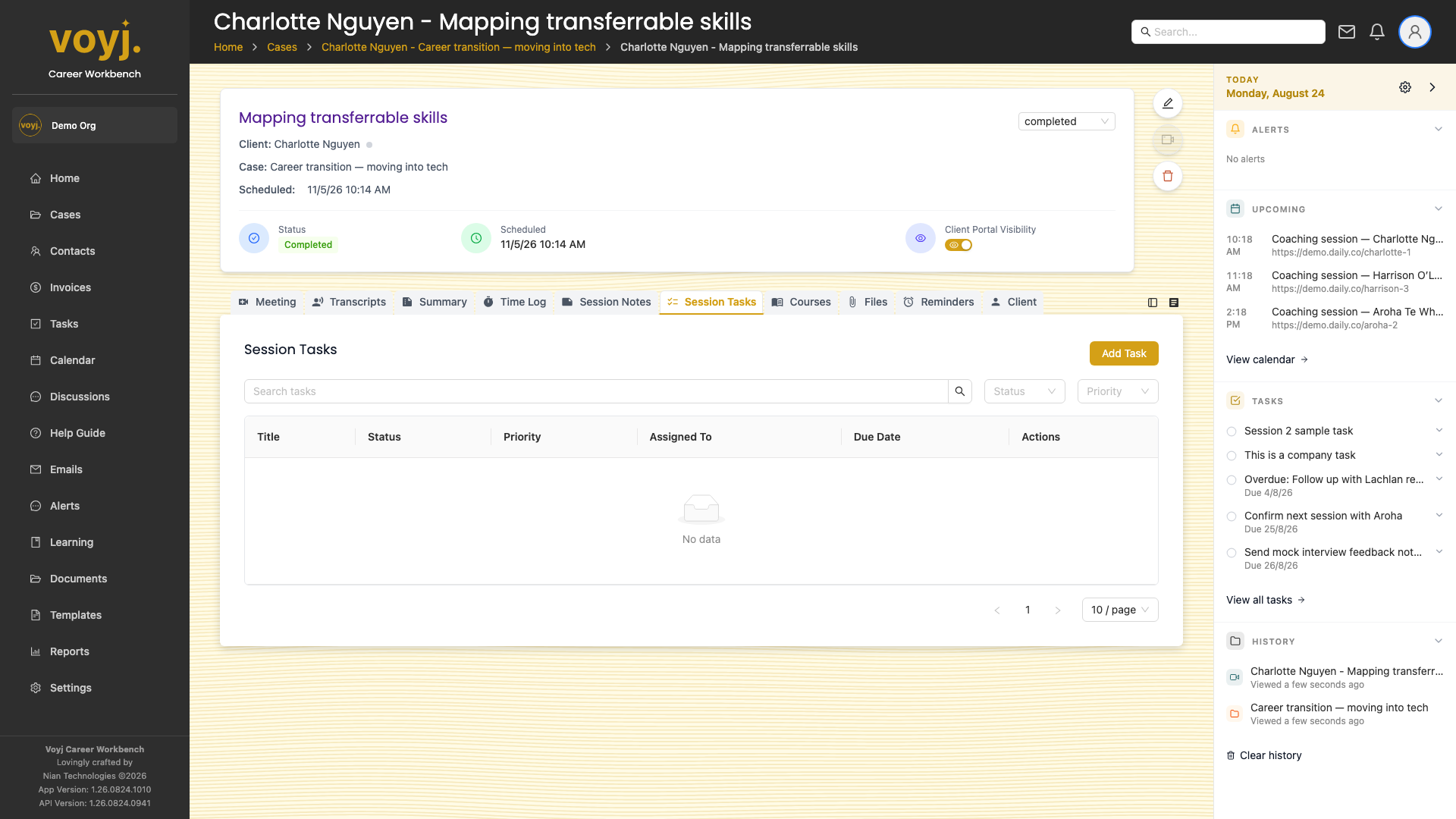
What you see on this tab
A table of tasks attached to the session. Click a task to open it; click the empty circle to mark it complete.
Add a session task
- Click + Add task.
- Type the title. The description and due date are optional but useful.
- Pick the assignee: yourself, the contact, or leave unassigned.
- Pick a priority: Low, Medium or High.
- Save. The task appears in the table, on the case's Tasks tab, and (if assigned to the contact) on the contact's portal.
Mark complete
- Click the empty circle next to a task title. The task moves to Done and the assignee is notified.