
Time Log
Updated 8 September 2026
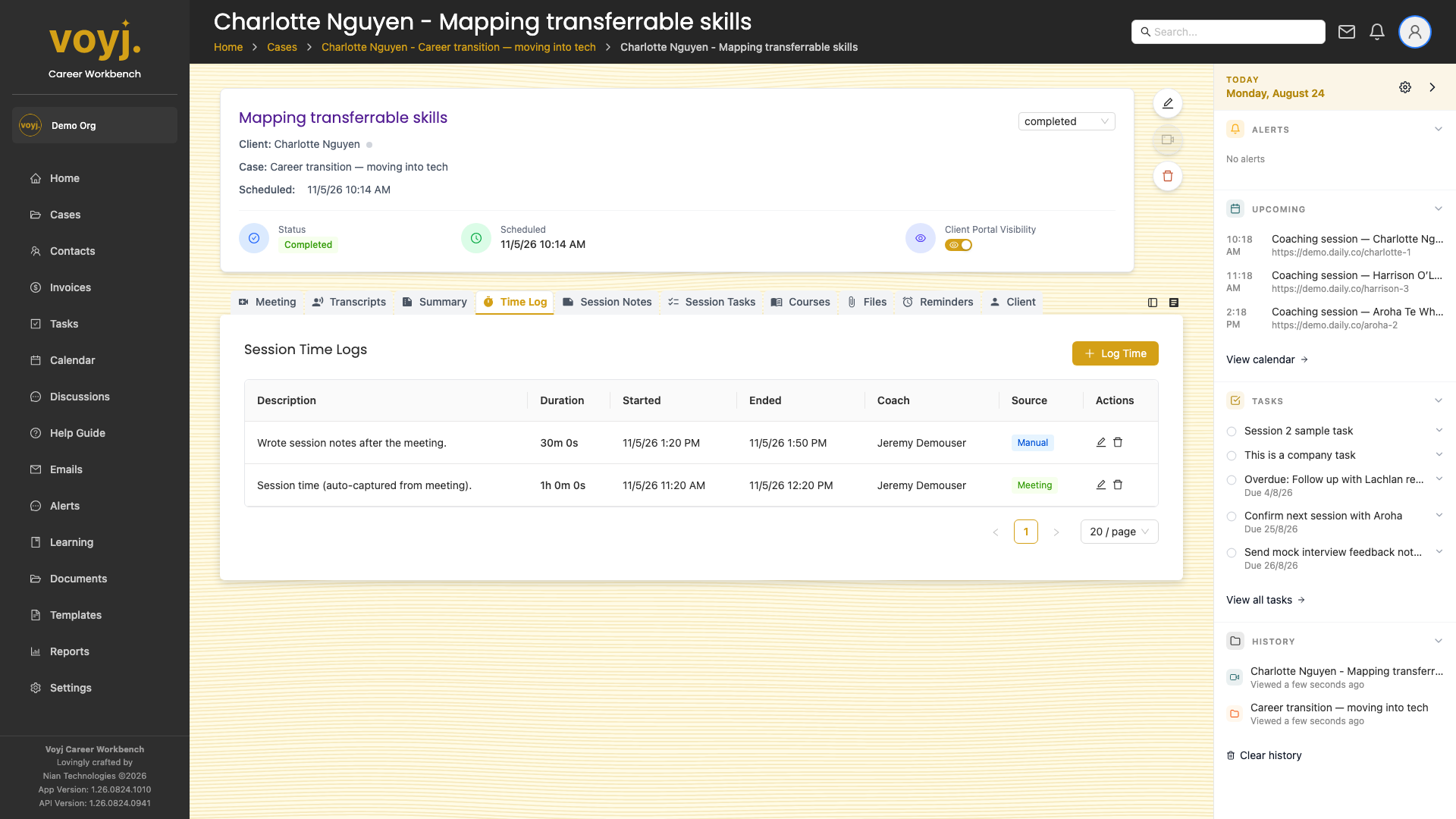
What you see on this tab
A list of time entries attached to the session. The first entry is always the Meeting entry — the actual time between the meeting start and end. Manual entries can follow.
Add a manual entry
- Click + Log time.
- Type a description of what you worked on (for example, Wrote session notes).
- Pick the start time and duration.
- Save. The new entry appears in the list.
Adjust the billable duration
- Click the Meeting entry.
- Change the duration. Save. The session's billable duration updates and the case's total time updates too.