
Transcripts
Updated 8 September 2026
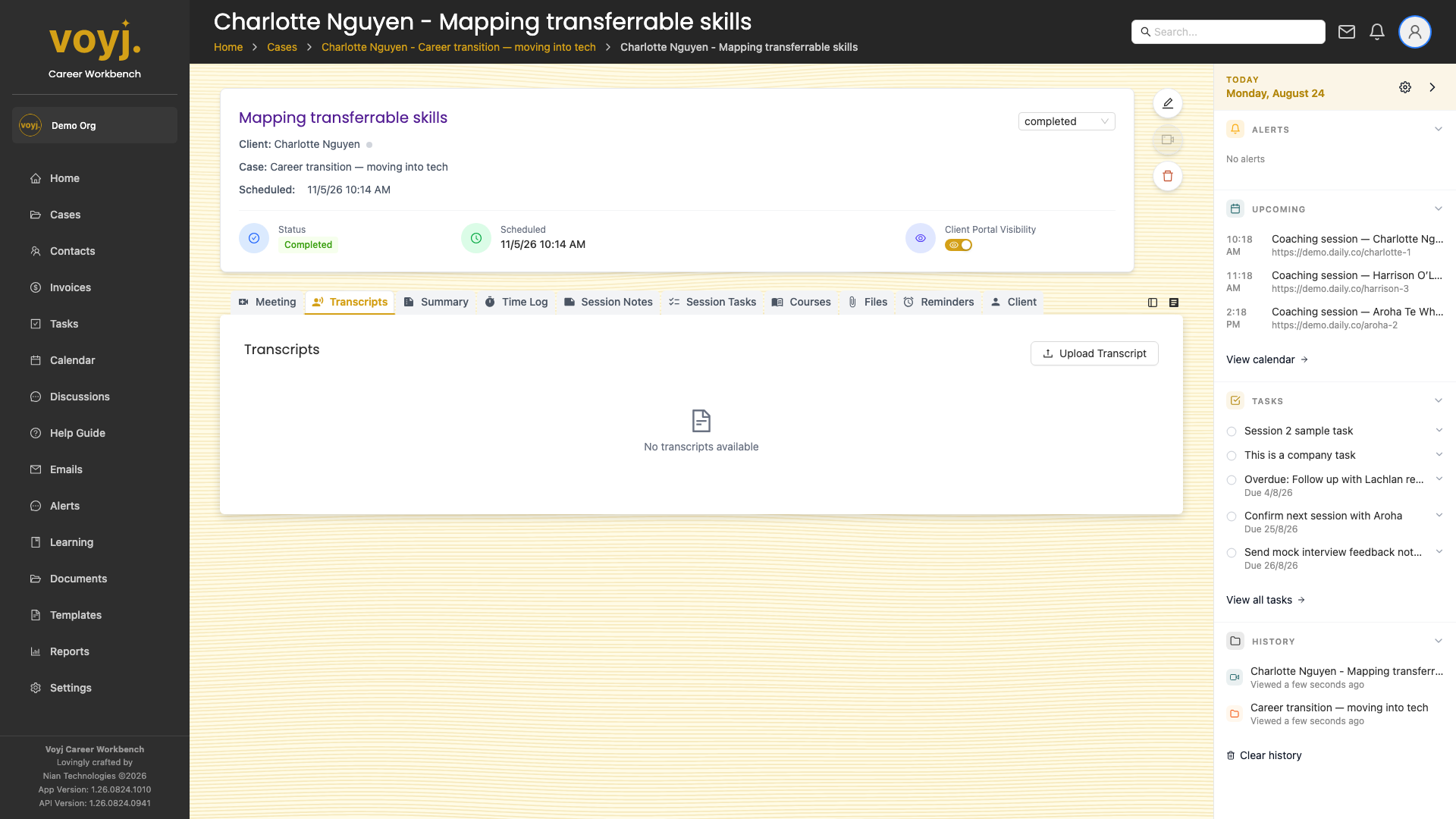
What you see on this tab
The transcript text with speaker labels and timestamps. If a transcript is not yet ready, the tab shows a status message: Pending, Processing or Failed. You can re-run a failed transcript from the three-dot menu.
Read the transcript
- Click anywhere in the transcript to jump to that timestamp on the recording.
- Use the search box (top-right) to find a phrase in the transcript. Matches are highlighted in the text.
Edit the transcript
- Click Edit in the top-right.
- Make your changes inline. Voyj tracks edits in the version history.
- Save. The new version is visible to anyone who opens the session.
Transcription providers
- Daily.co
- Transcripts are generated by Daily.co when the recording is processed. Available wherever Daily.co is the meeting provider.
- Google Cloud Speech
- Used when you have a Google Cloud Speech-to-Text service account configured. Best for high-accuracy English transcription.
- RunPod WhisperX
- Used for high-accuracy transcription with speaker diarisation. Requires a RunPod API key in your secrets.
- Disabled
- Transcripts are not generated. Use the Session Notes tab to capture your own summary.