
Backups
Updated 8 September 2026
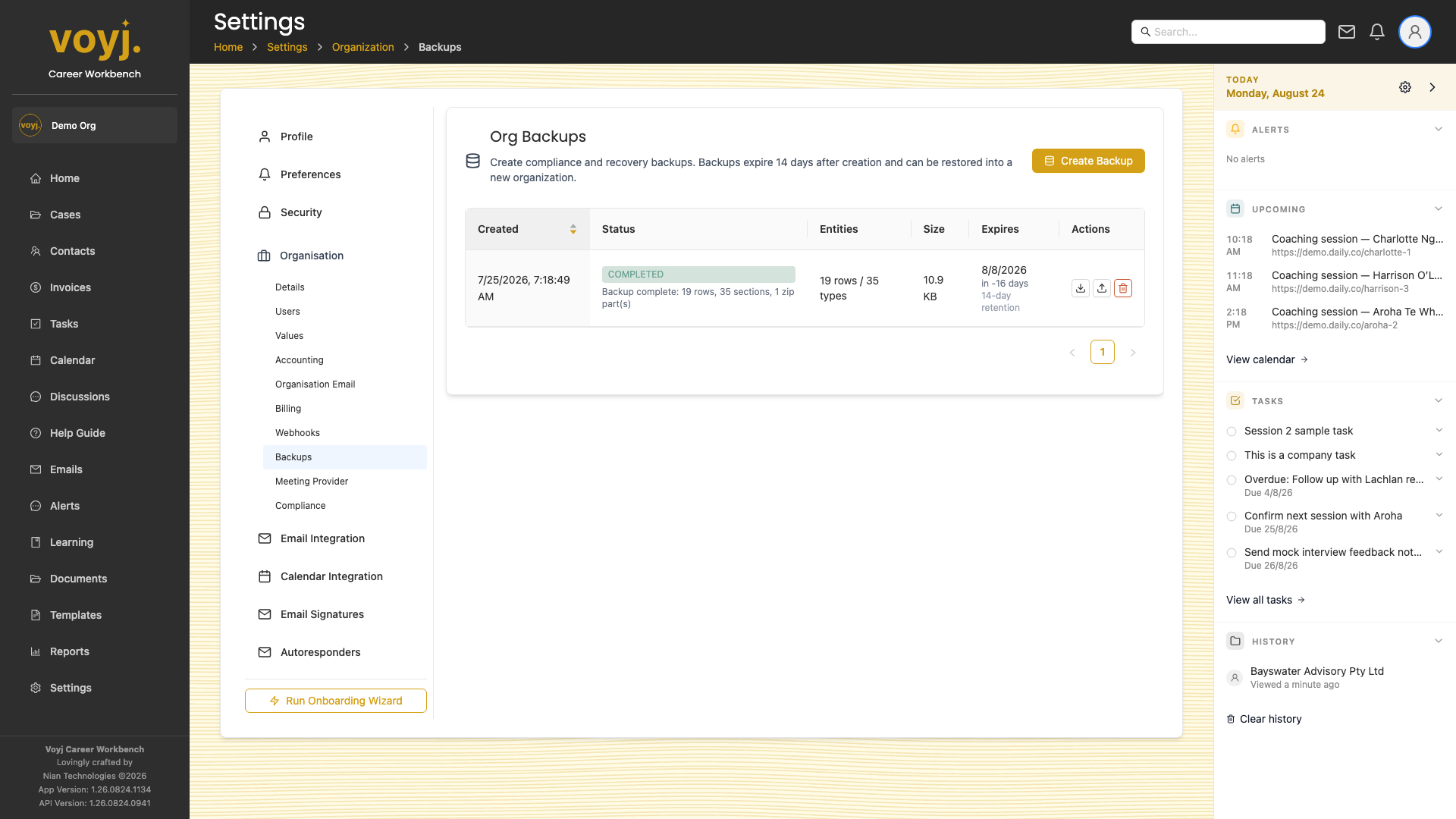
Configure a custom destination
- Click Add destination.
- Pick AWS S3 or Google Cloud Storage.
- Enter the bucket name, region and credentials.
- Save. Voyj writes the next daily backup to your bucket as well as its own.
Restore from a backup
Email support@voyj.app with the date of the backup you want restored. Restores affect the whole organisation and require an admin sign-off.