
Email Integration
Updated 8 September 2026
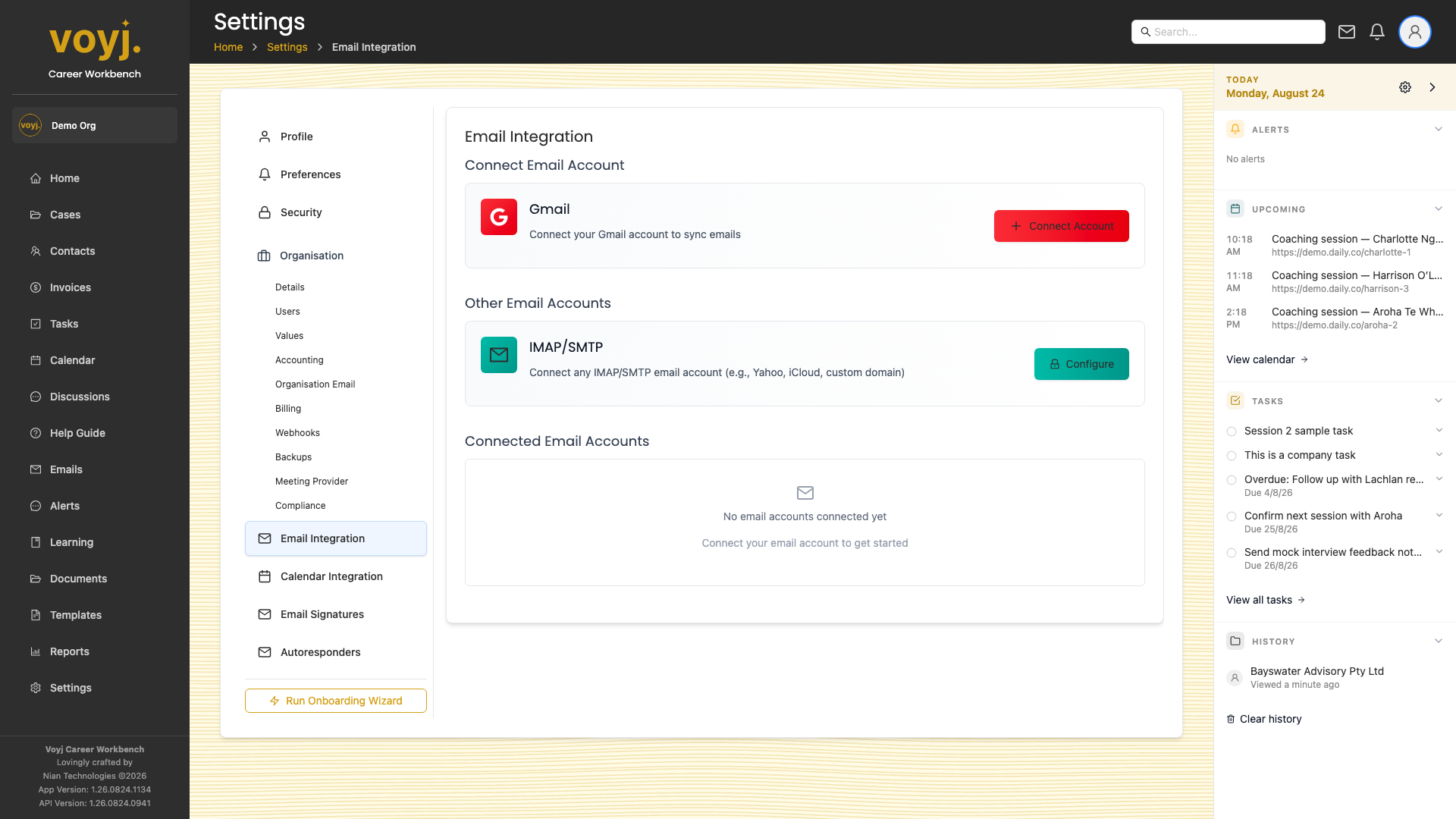
Connect Gmail
- Click Connect Gmail.
- Sign in to the Google account.
- Authorise Voyj. The scope is read email metadata, read email body and send email.
- Pick the Gmail label Voyj uses to thread emails to contacts (default Voyj).
Connect Microsoft 365
Same flow via Microsoft OAuth. Pick the folder Voyj watches for new messages.