
Organisation Email
Updated 8 September 2026
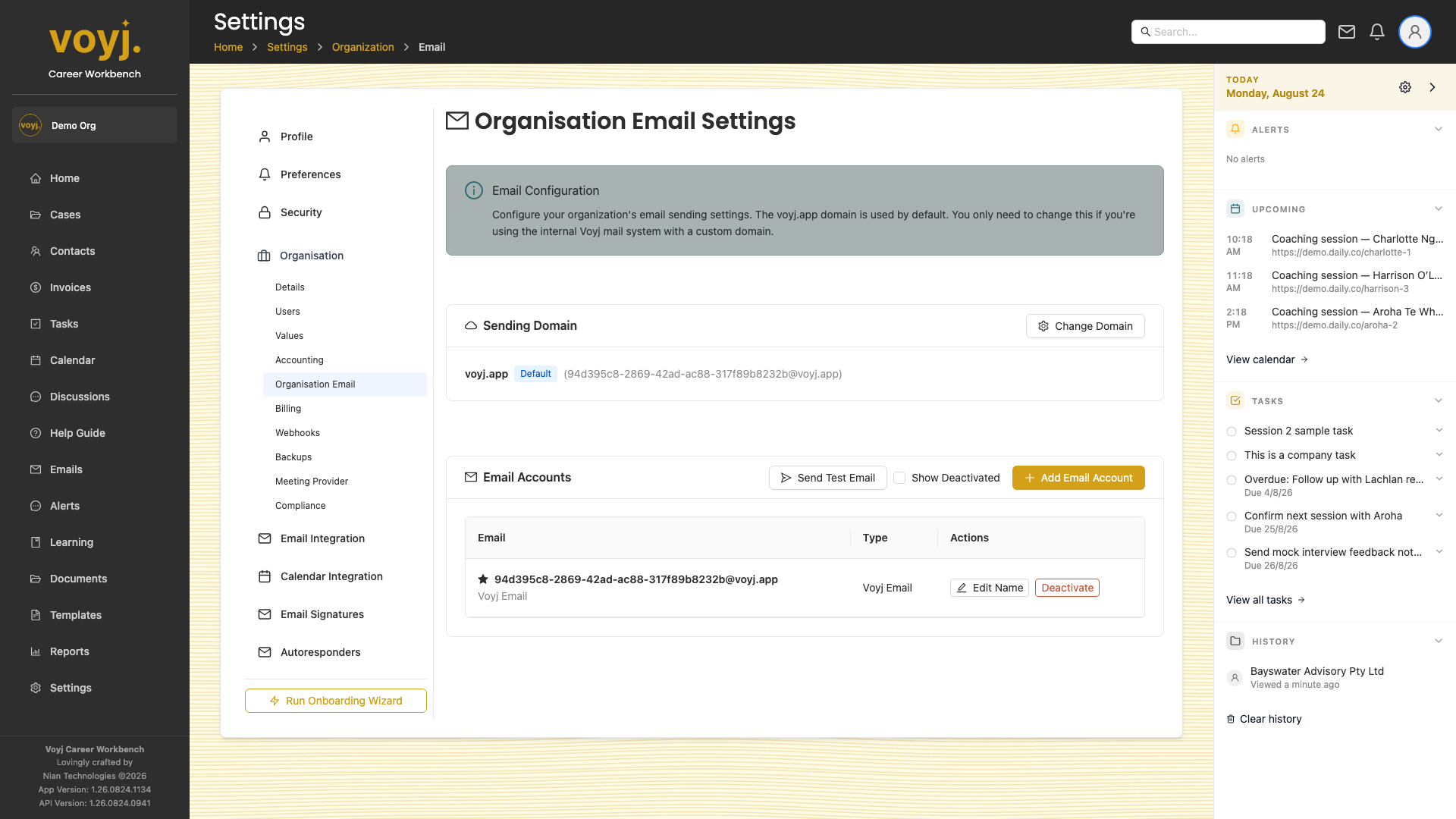
Sending domain
- Click Add domain.
- Enter the domain you send from.
- Add the SPF, DKIM and return-path records Voyj shows you to your DNS.
- Click Verify. Voyj checks the records are live.
Default from name and address
Used when no template overrides them.