
Profile
Updated 8 September 2026
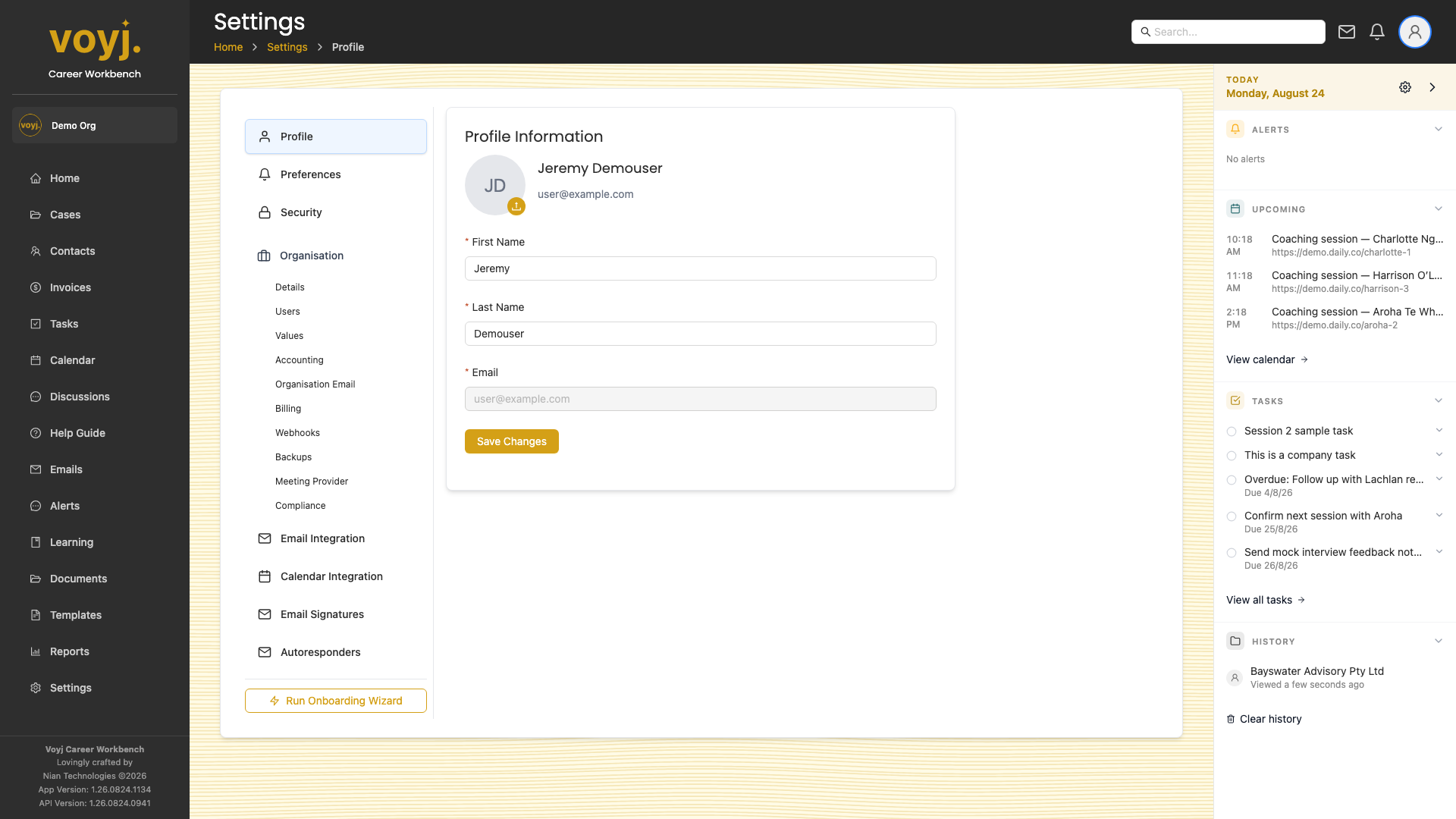
Field reference
- First Name *
- Your given name. Used in greetings and at-mentions.
- Last Name *
- Your family name. Used for sorting and search.
- Email *
- Your login email and the address that receives assignment notifications. Cannot be changed without a verification flow.
Change your avatar
- Click the avatar in the top-right.
- Pick an image. Square images work best. Max size 5 MB.
- Save.