
Security
Updated 8 September 2026
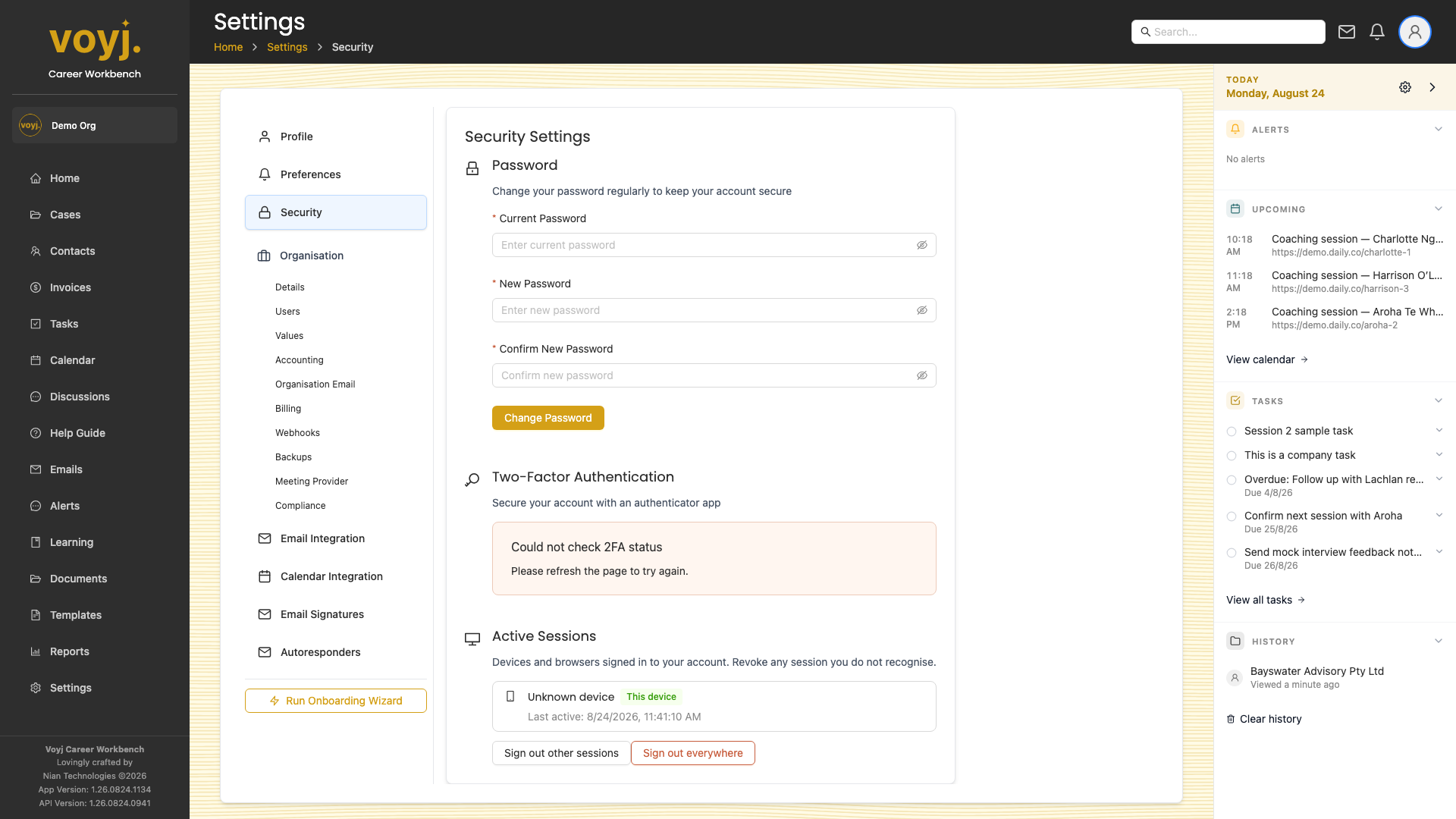
Change password
- Click Change password.
- Enter your current password, then your new password twice.
- Save. You stay signed in on this device; other devices are signed out.
Turn on multi-factor authentication
- Click Enable MFA.
- Scan the QR code with an authenticator app (1Password, Authy, Google Authenticator, Microsoft Authenticator).
- Enter the 6-digit code shown in the app to confirm.
- Save the recovery codes — they are the only way back in if you lose your device.
Active sessions
See every device that is currently signed in to your account. Revoke a session if you don't recognise it.