
Users
Updated 8 September 2026
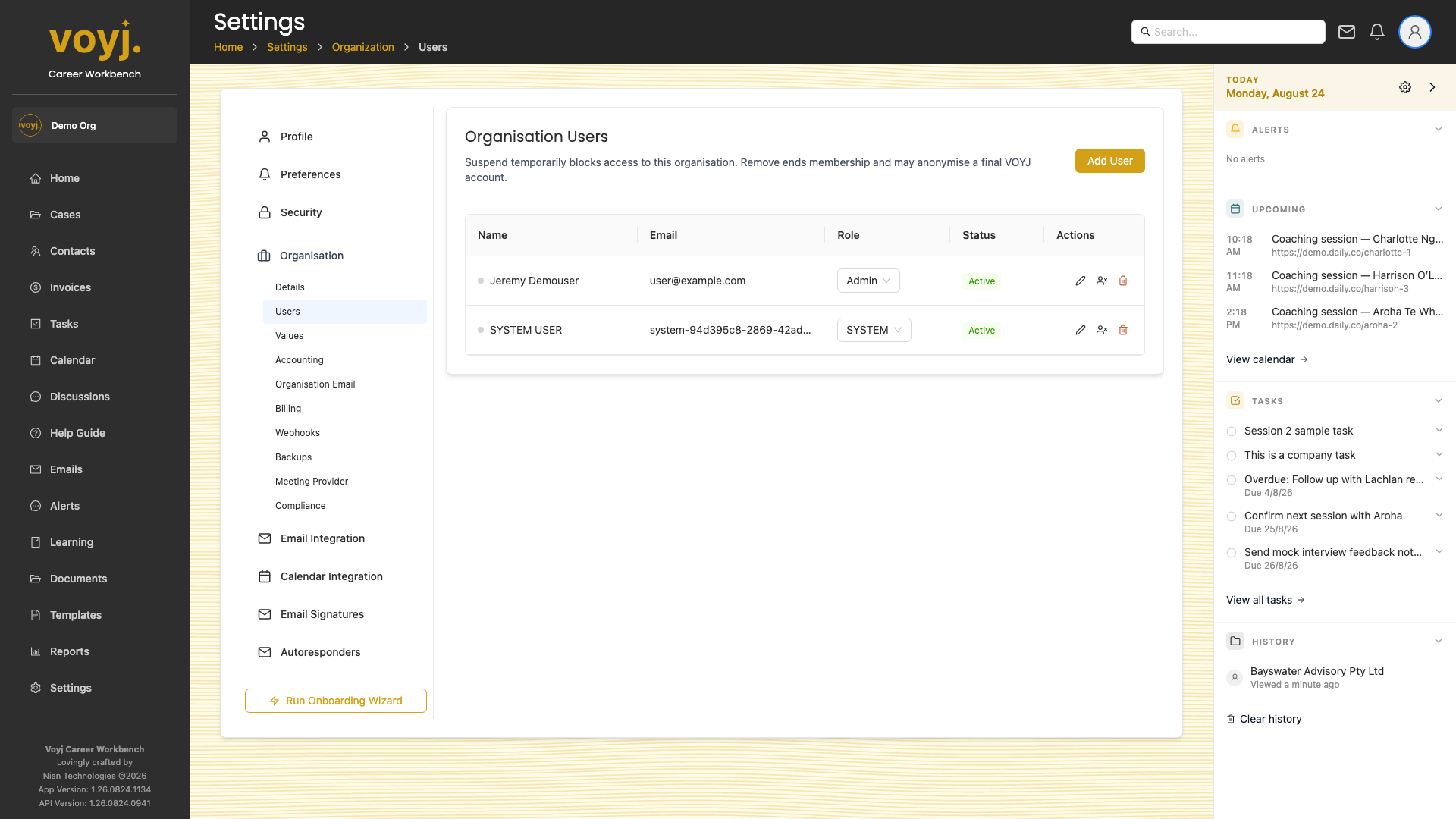
Add a user
- Click Add User.
- Enter name and email. Pick a role (Admin, Supervisor or Coach).
- Save. Voyj sends the new user an invite email with a sign-up link.
Change a role
- Click the role dropdown on the user row.
- Pick the new role.
- Save. The change applies on the user's next sign-in.
Suspend vs remove
- Suspend (clock icon)
- Temporarily blocks sign-in. The user record is kept and can be reactivated later. Use for long leave.
- Remove (trash icon)
- Removes the user from the organisation. Past cases and notes stay; the user record is anonymised for privacy.