
Webhooks
Updated 8 September 2026
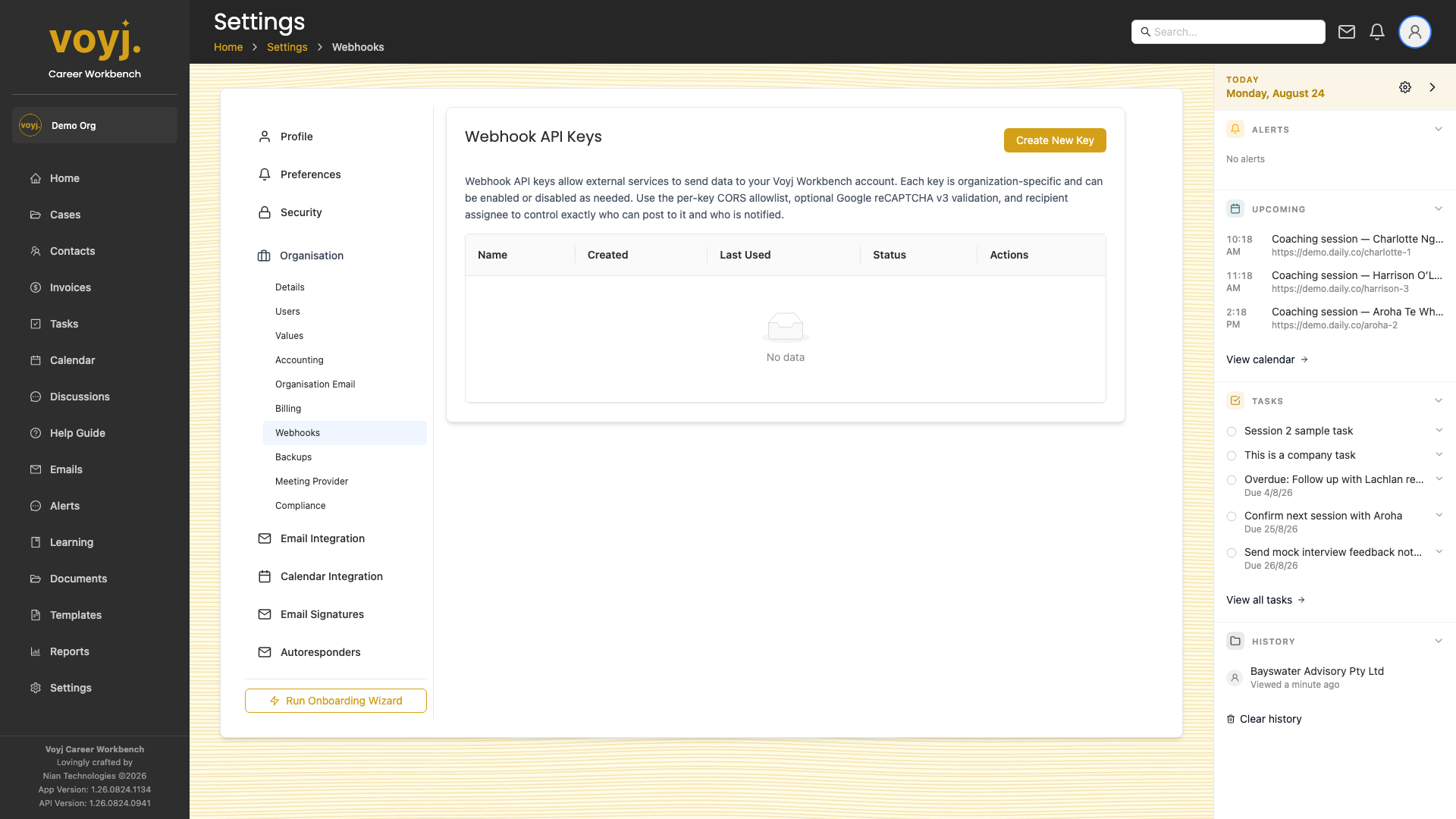
Create a webhook
- Click New webhook.
- Pick the event(s) you want to receive (contact.created, case.closed, invoice.paid and so on).
- Enter the destination URL.
- Pick a signing secret. Voyj signs every request with HMAC-SHA256; verify on your side.
- Save. Voyj POSTs a test event to confirm the endpoint.