
My Templates
Updated 8 September 2026
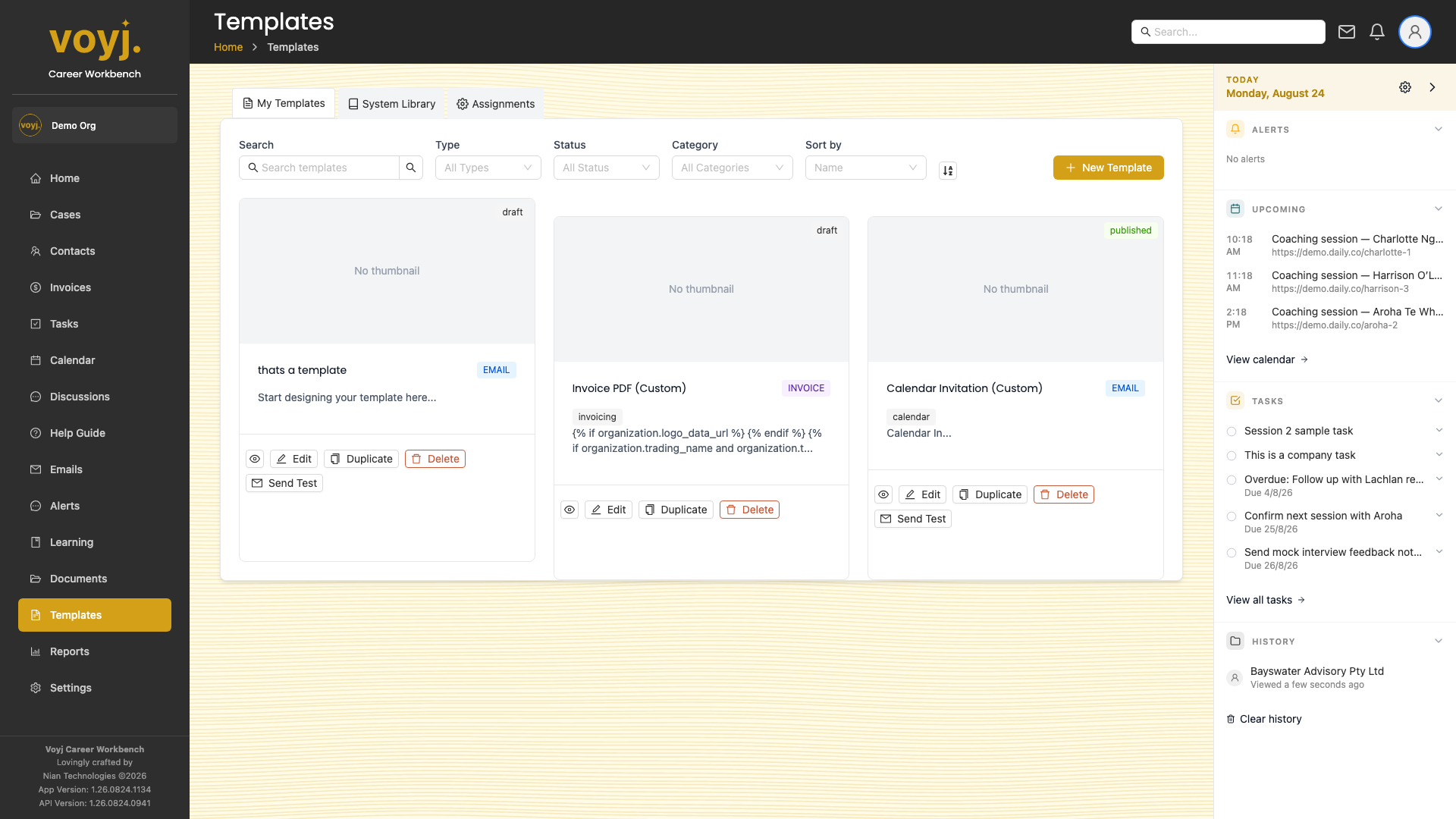
Filter and search
- Type in the Search templates box. Search matches against template name and content.
- Use the Type, Status and Category dropdowns to narrow the list.
- Sort by Name, Updated or another column.
Create a new template
- Click + New Template in the top-right.
- Pick the template type (Email or Invoice).
- Give the template a name and pick a category.
- Design the template using the visual composer. Use the variables panel on the right to insert placeholders such as
{{contact.first_name}}or{{case.title}}. - Save as Draft or Publish.
Per-card actions
- Edit
- Open the visual composer to change content and layout.
- Duplicate
- Make a copy you can change without affecting the original.
- Delete
- Remove the template. Templates in use cannot be deleted until you switch their usages off.
- Send Test
- Email a preview to yourself so you can see how it renders in the inbox.